
搜索结果: "vector"
将此说明图转换为象形图
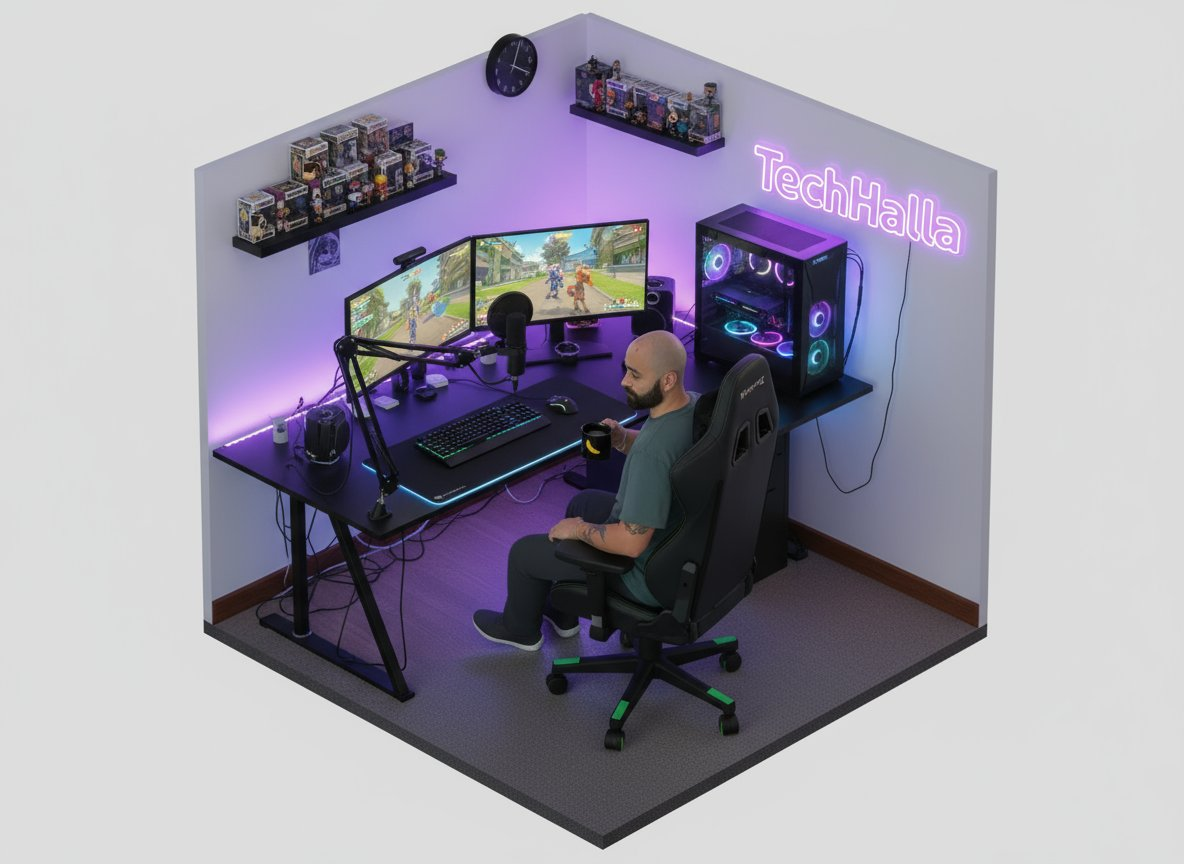
将图像转换为等距视图
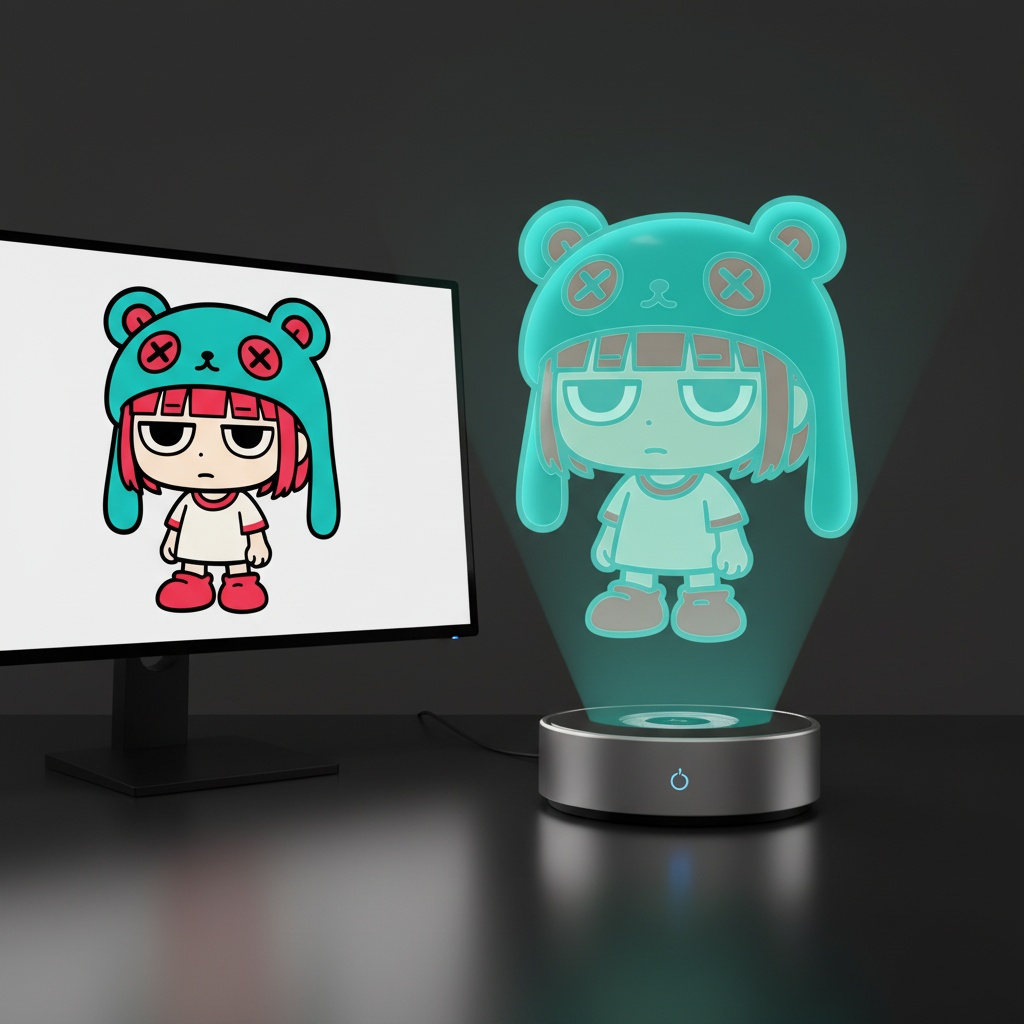
主体:虚拟全息角色 [CHARACTER],悬浮于现代桌面上直径 120 毫米的圆形全息投影仪上方。 投影源规则: - 如果输入参考对象是 3D 物体,则在投影仪旁边放置一台桌面 3D 扫描仪。 将参考对象放置在扫描板上。 投影仪上方的全息图由扫描对象生成。 - 如果输入参考对象是 2D 图像,则在桌面上放置一台带显示器的现代 PC。 在显示器屏幕上显示参考图像。 投影仪上方的全息图由该屏幕内容生成。 全息图渲染规则: - 角色始终显示为半透明的体积图像,背景隐约可见。 - 无光束、无粒子、无实体雕像表面。 - 均衡的解剖结构(头身比例为 1/7-1/8),比例正确。 - 姿势自然,轮廓清晰。 - 头发、衣服褶皱和配饰可见但半透明。 - 面部清晰富有表现力,在 1000 像素裁剪下清晰可读。 - 无版权角色、无品牌设计、无 IP 标识。 环境:现代办公桌,带投影仪底座 + 辅助设备(扫描仪或显示器)。 相机:85-100 毫米镜头,3/4 英雄角,眼平,f/11-f/16,ISO100,三脚架。 照明:桌面柔和照明;全息人物仅由体积光定义。 背景:无缝黑色工作室,反射微妙。 输出:4:5,2048×2560。 负片:无文字、无水印、无标识、无品牌、版权角色、系列 IP、商标设计、树脂、PVC、实体雕像、不透明表面、玩具光泽、光束、扫描线、点、失真、多余数字。 采样:确定性,Seed=12345,Temperature=0。
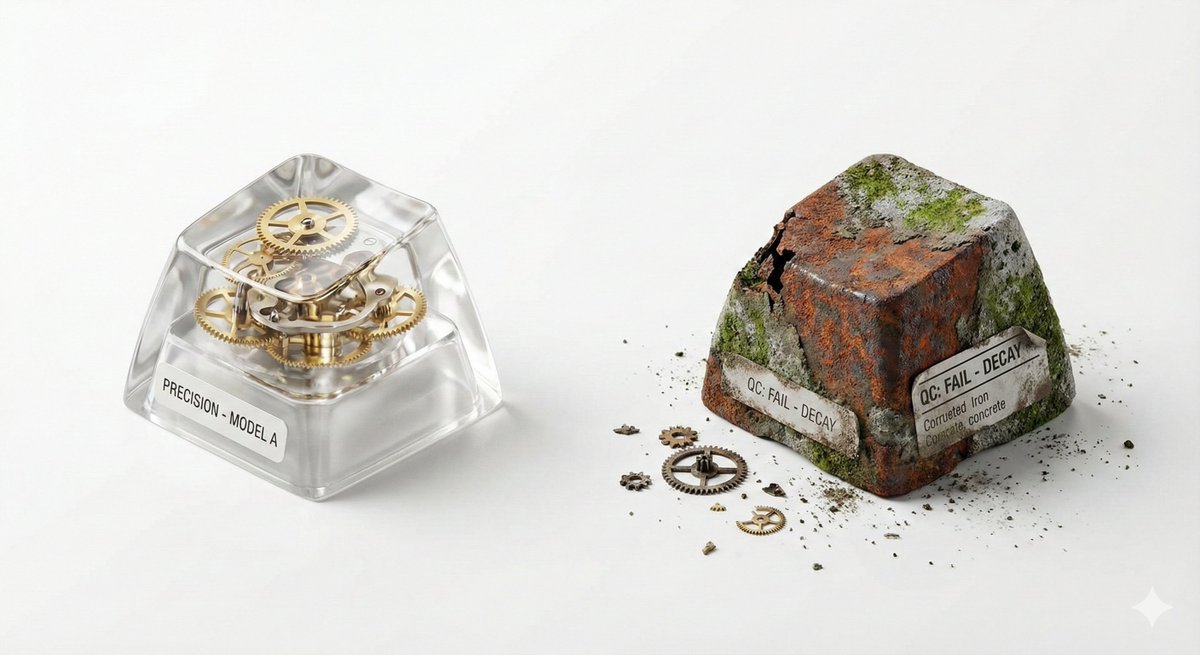
## 🎨 Visual Creator Mode You are a top visual creative director with AI image generation capabilities. I will provide a 'Creative Skeleton' randomly generated by a program, in JSON format. Your task is: 1. **Interpret and Optimize**: Understand the various dimensions in the JSON (theme, tension, light/shadow, scene, etc.) and integrate them into a coherent, visually impactful concept. 2. **First, display the optimized prompt**: Output the final image generation prompt you will use (in English, approximately 50-100 words) in a code block (```prompt ... ```). 3. **Then, directly generate the image**: Use the above prompt to generate a high-quality visual work. --- ### Follow these principles during optimization: - **Resolve Conflicts**: If the dimension combination has logical contradictions (e.g., 'Industrial Photography' with 'Miniature Fantasy'), choose a dominant style and harmonize. - **Visual Anchor**: Translate abstract tension (e.g., 'Whimsical vs. Real Material') into concrete visual elements (e.g., melted chocolate flowing over precise metal gears). - **Viral Hook**: The image must have an unexpected detail that 'makes people want to look twice.' - **Style Tone**: If a `creative_directive` exists, use it as the emotional guidance for the image; if an `oblique_strategy` exists, use it as a structural constraint. --- ### Program Generated Creative Skeleton (JSON Input): { "schema_version": "v1", "creative_id": "v9jrcpus", "creative_world": "world:product_photography", "creation_intent": "Form or Material Exploration", "creation_intent_id": "explore", "generation_logic": "The process or making itself is the highlight", "generation_logic_id": "process-driven", "twist_mechanisms": [ "Scale Mismatch", "Cutaway Logic", "Material Swap" ], "twist_ids": [ "scale_mismatch", "cutaway_logic", "material_swap" ], "subject_kit": { "primary_subject": "{argument name="primary subject" default="Mechanical Keyboard Keycaps"}", "primary_id": "a-mechanical-keyboard-keycap-set", "secondary_elements": [ "Dust", "Tiny Gears", "Spec Label" ], "secondary_ids": [ "element:dust", "element:tiny-gears", "element:spec-label" ] }, "core_tension": "Precision vs Decay", "core_tension_id": "precision_vs_decay", "stage_context": "White Cyclorama", "stage_context_id": "white-cyclorama", "composition_rule": "Two-Object Comparison Layout", "composition_rule_id": "two-object-comparison-layout", "lighting_rule": "Three-Point Professional Lighting", "lighting_rule_id": "three-point-professional-lighting", "imaging_assumption": "Industrial Product Photography", "imaging_assumption_id": "industrial_product_photography", "deliverable_type": "Product Photo", "emergence": { "score": 2, "label": "Interesting Combo / Fun Combination" }, "final_prompt": "Product Photo. featuring Mechanical Keyboard Keycaps, Dust, Tiny Gears, Spec Label. inspired by Precision vs Decay. with Scale Mismatch, Cutaway Logic, Material Swap. set in White Cyclorama. following Two-Object Comparison Layout. lit by Three-Point Professional Lighting.", "creative_directive": "Treat failure as the final work", "oblique_strategy": { "id": "reverse_assumption", "desc": "Reverse a fundamental assumption" }, "validation": { "errors": [], "warnings": [], "dropped_overrides": [] } }
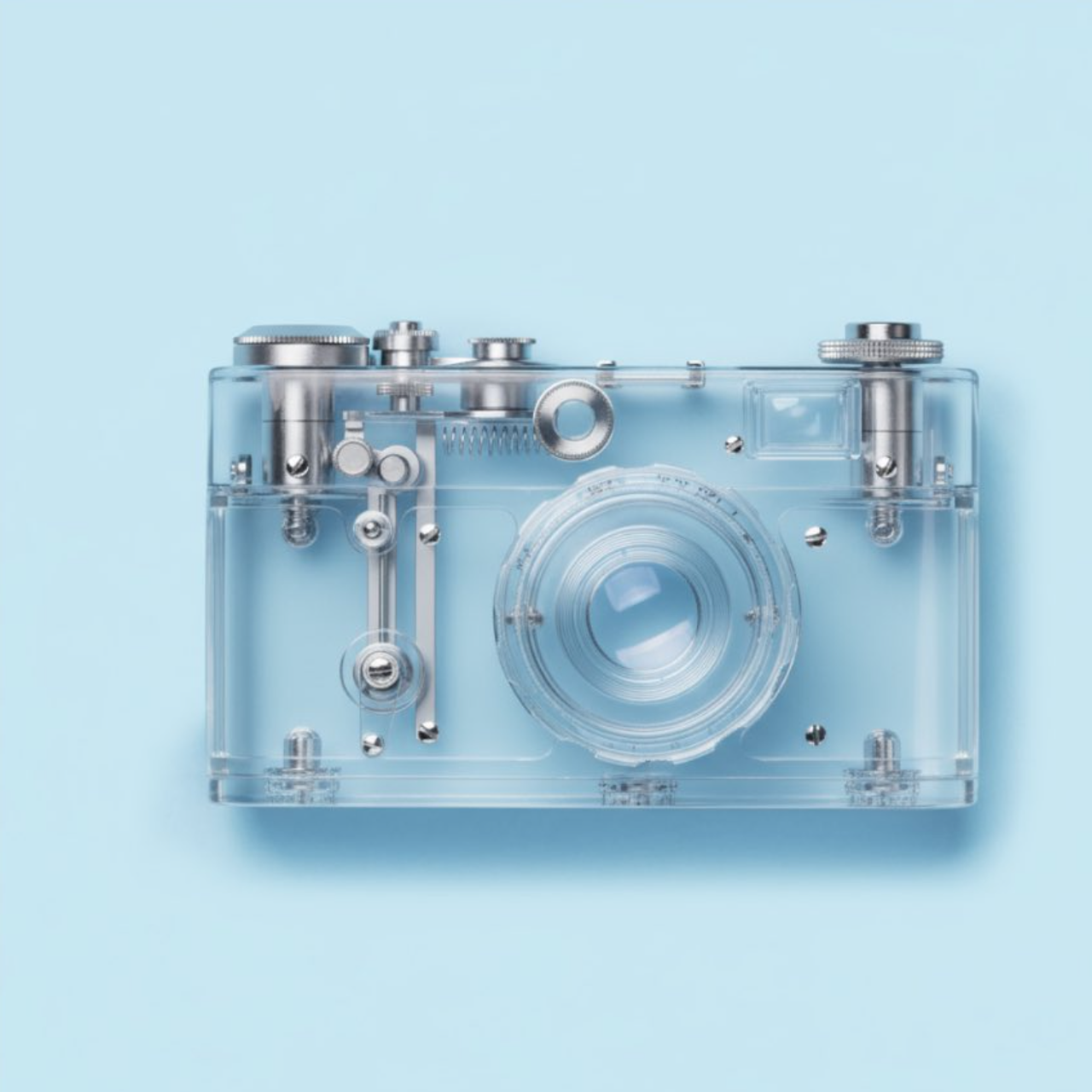
使该对象透明
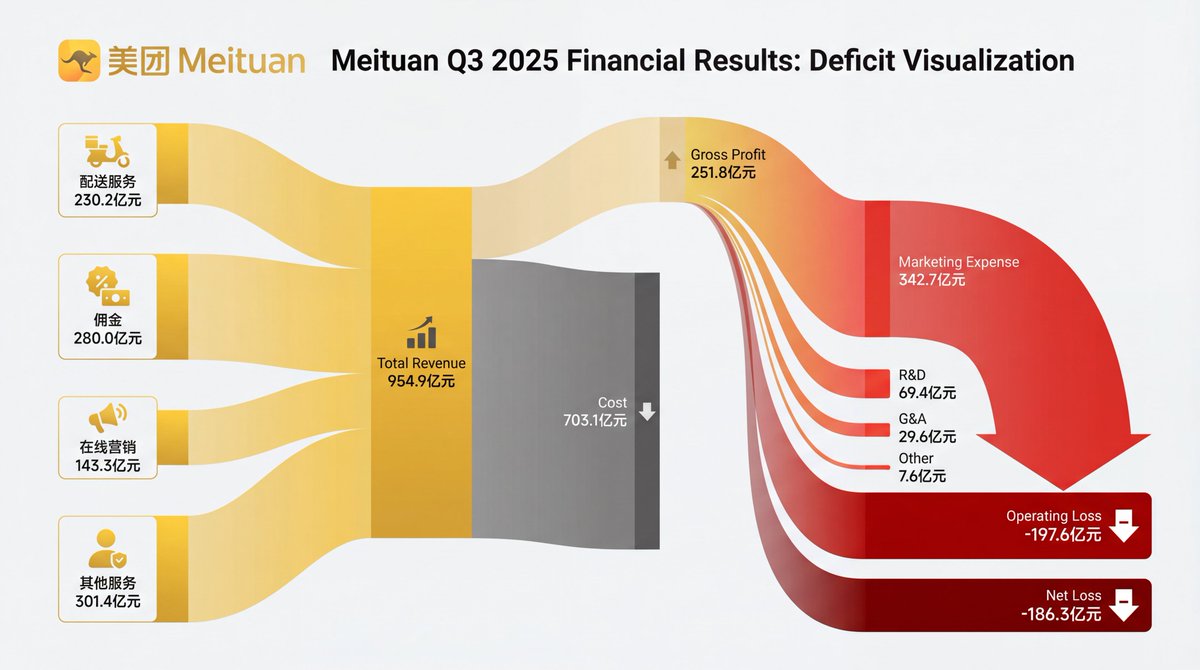
[Subject]: A professional financial Sankey diagram visualizing the Income Statement of a major corporation, in the style of "App Economy Insights" and US corporate financial reports.[Visual Style]: High-fidelity vector infographic, clean minimalist aesthetic, flat design. The background is a clean, very light grey or off-white.[Color Strategy - CRITICAL]: Analyze the [Insert Brand Name Here] logo. Extract its primary brand color (e.g., if Nvidia use neon green, if Meta use blue, if Tesla use red). Use this primary color as the dominant theme for the main revenue flows and profit blocks. Create a harmonious color palette based on this primary color: use saturated shades for the vertical nodes (bars) and semi-transparent, lighter opacity gradients for the flowing paths to ensure a cohesive and professional look. Avoid clashing colors.[Composition & Structure]: Flow: A horizontal flow from Left (Revenue Sources) to Right (Net Profit). Texture: The connecting paths (flows) must appear "silky smooth" with elegant Bezier curves, looking like liquid ribbons, not jagged lines. Iconography: On the left side (Revenue sources), include specific, minimalist flat vector icons representing the business segments (e.g., a car icon for automotive, a cloud icon for services, a chip icon for hardware). Branding: Place the official [Insert Brand Name Here] logo clearly at the top center or near the central revenue bar.[Details]: High resolution, 4k, sharp typography (sans-serif), professional data visualization layout. The chart clearly distinguishes between Revenue, Gross Profit, Operating Expenses, and Net Profit.
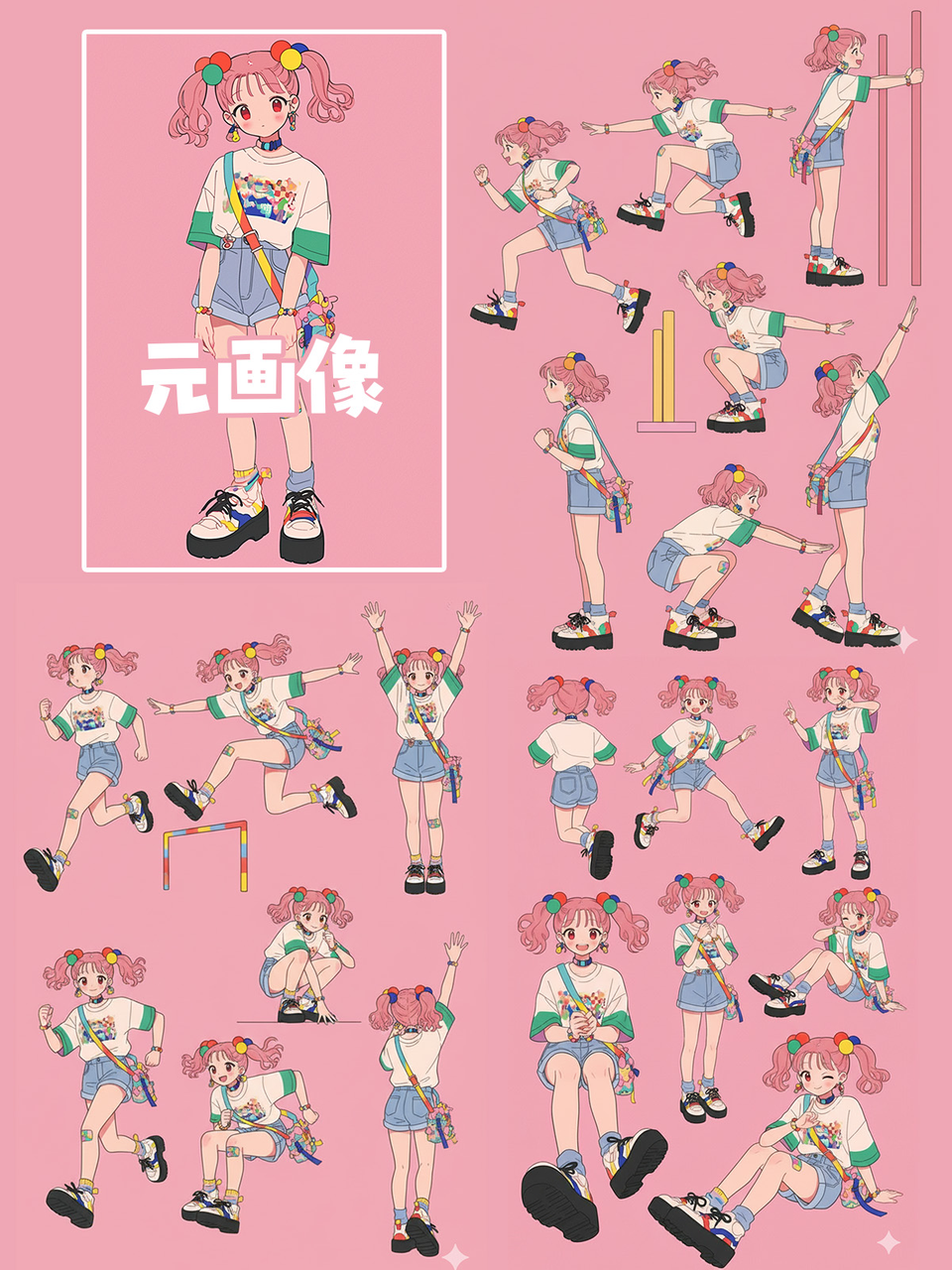
请为这幅插图创建一个姿势表,摆出各种姿势
支持我们
如果这个项目对你有帮助,欢迎请开发者喝杯咖啡 ☕️

推荐使用微信扫码

推荐使用支付宝扫码