
搜索结果: "split"
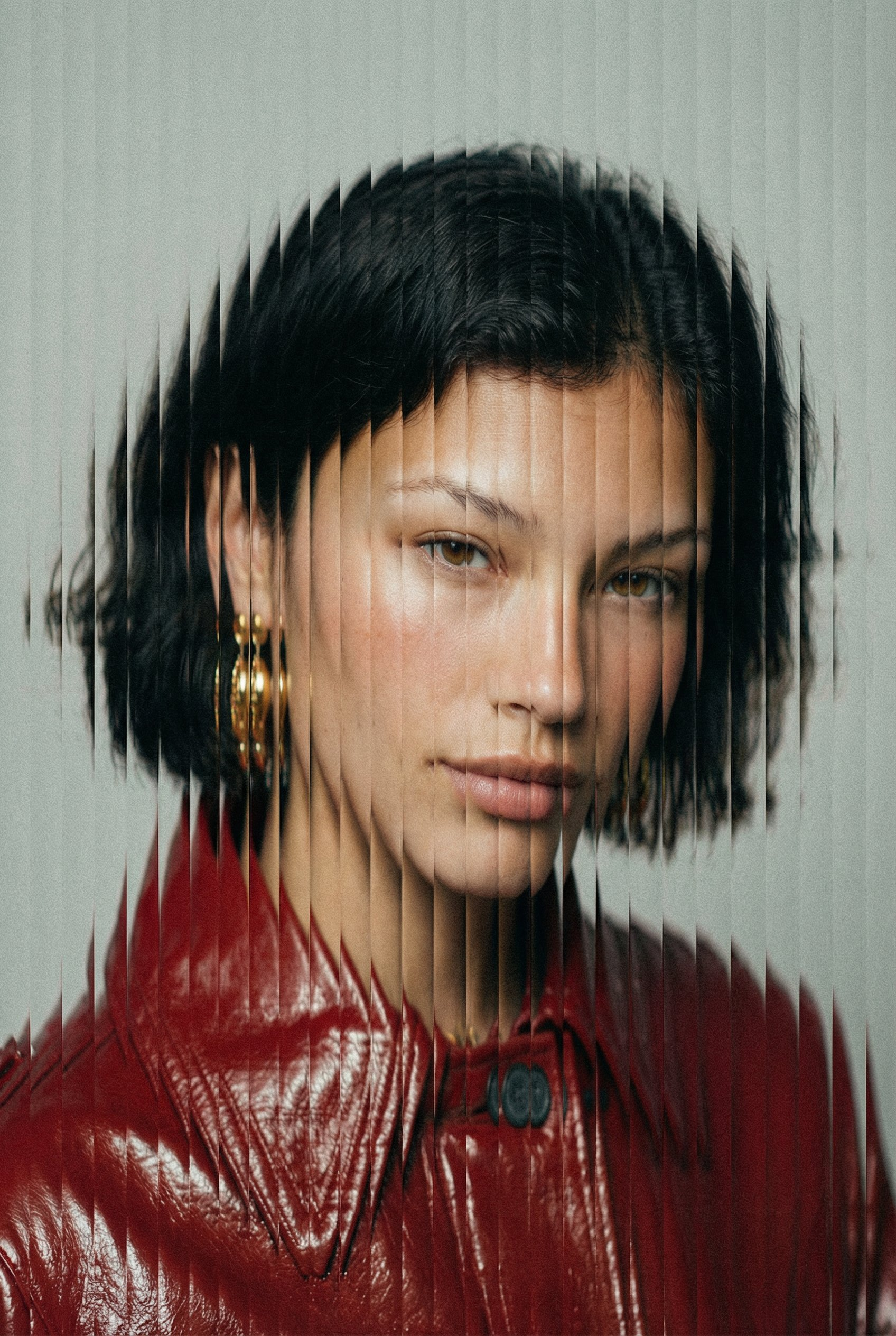
"style": { "name": "vertical_slice_glitch", "description": "采用垂直切片扭曲、故障分裂和模拟风格颗粒的高级时尚人像。", "elements": { "subject": { "type": "fashion_portrait", "framing": "tight_face_centered", "expression": "neutral_or_intense", "lighting": "soft_diffused_studio", "skin_texture": "realistic_with_blush", "wardrobe": "minimal_solid_colors" }, "distortion": { "effect": "vertical_slit_scan", "slice_count": "40-80", "slice_thickness": "thin", "displacement_amount": "medium", "alignment": "center_weighted", "smooth_blend_edges": false, "random_offset": true, "方向": "垂直" }, "纹理": { "颗粒": "中等偏重", "噪点": "精细数码噪点", "压缩伪影": "细微", "胶片": "哑光时尚编辑" }, "调色板": { "背景": "#F2F2F2", "色调": "柔和中性", "强调": "深红色", "对比度": "中高" }, "相机": { "镜头": "85mm人像", "景深": "浅", "对焦": "眼睛", "角度": "正面" } } }, "输出": { "格式": "高时尚故障人像", "宽高比": "3:4", "分辨率": "高" } }
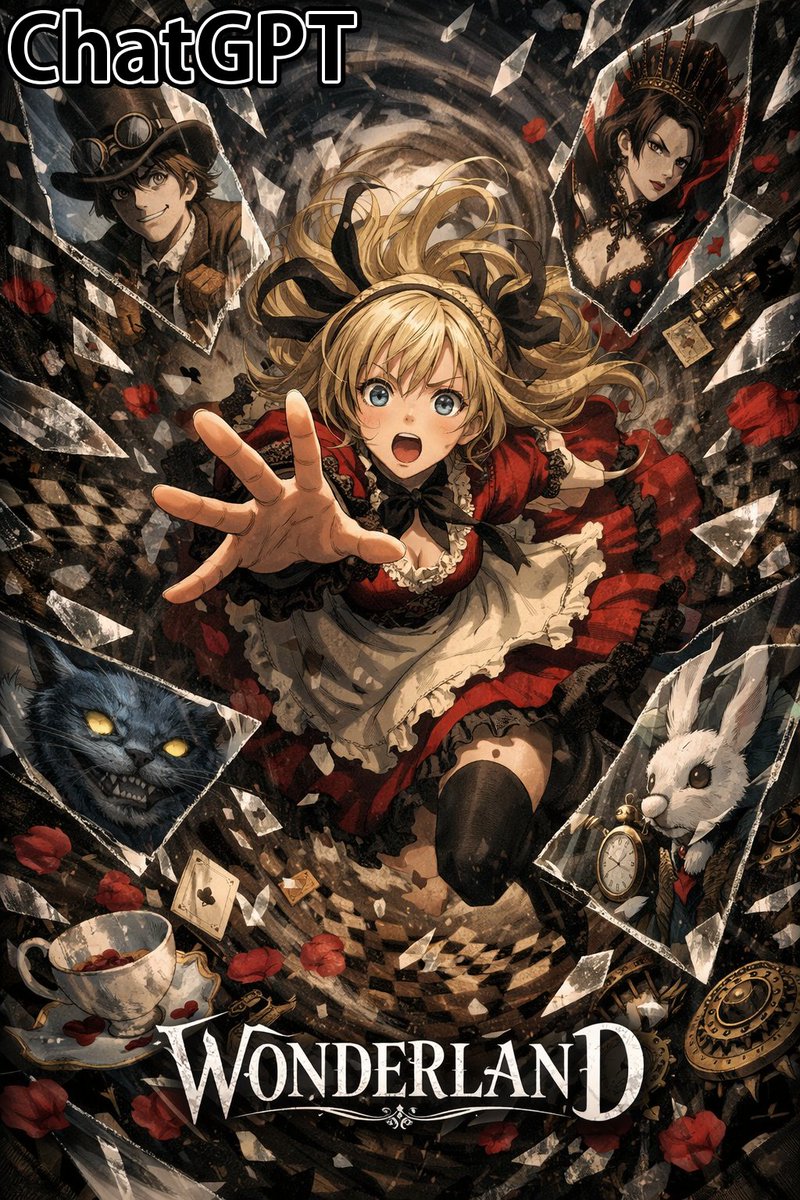
Depict separate figures in each individual shard of flying broken glass
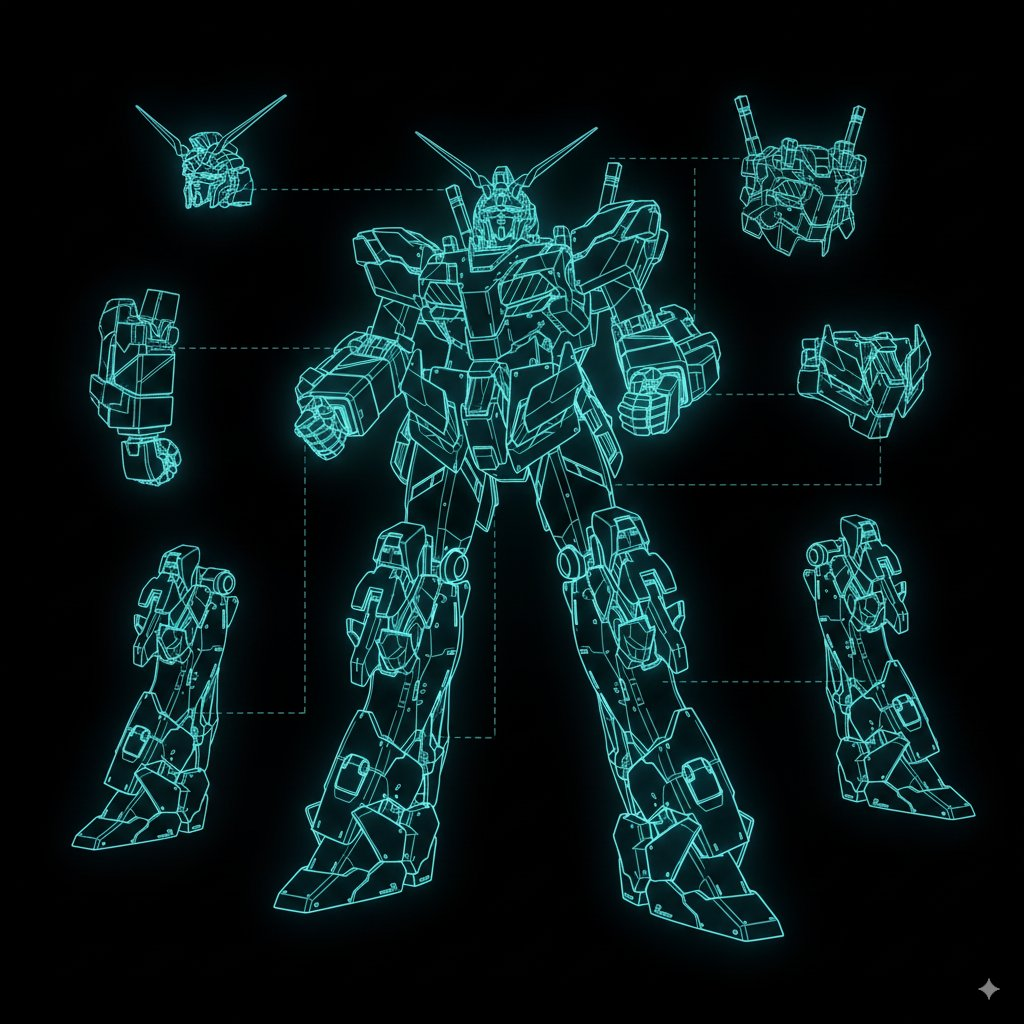
将各部件切割出来,制作成保留有全息图的模型表
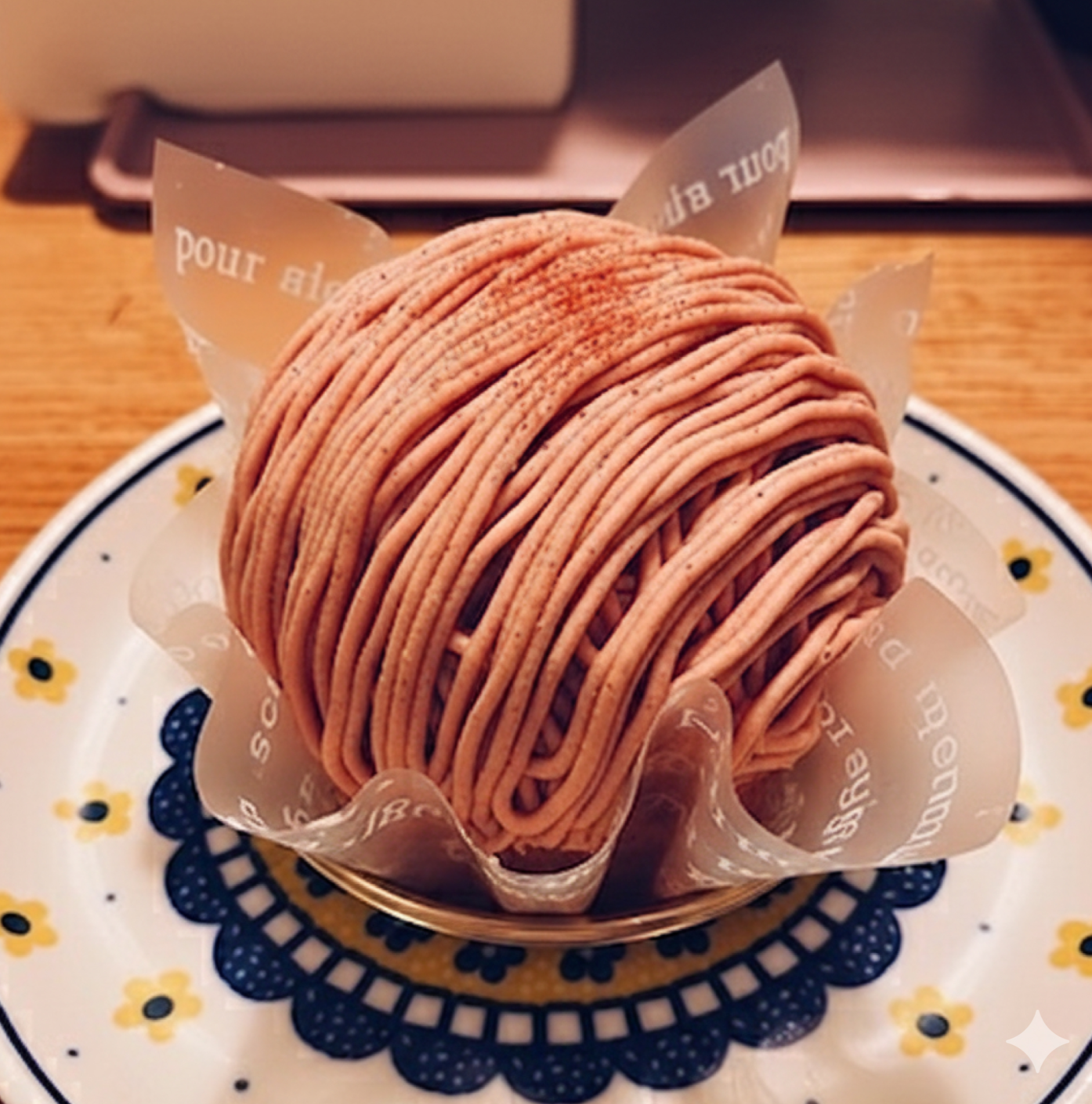
将这个吃了一半的 [XX] 恢复到吃之前的状态。
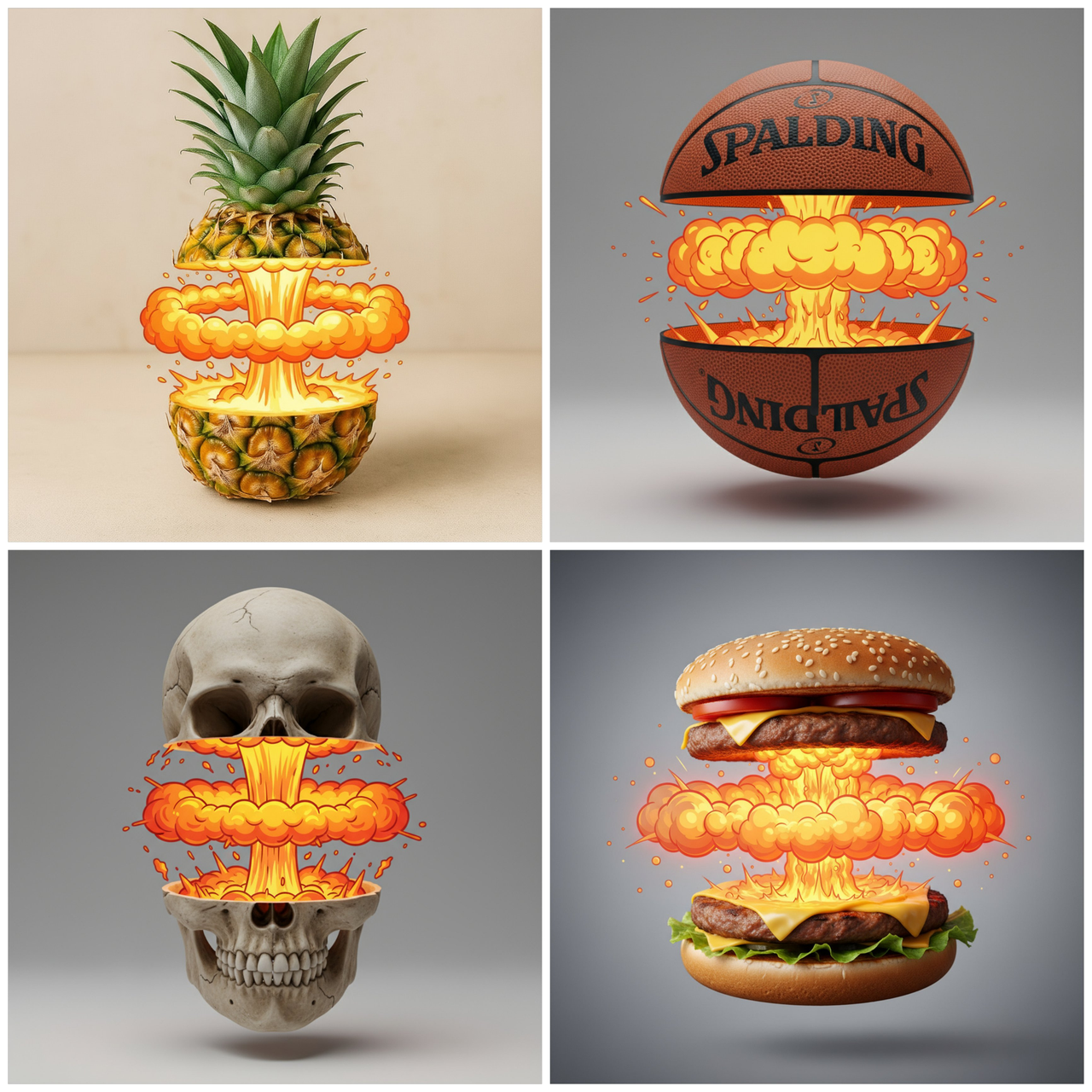
将 [OBJECT] 从中间干净利落地切开,上下两半略微分离并悬浮。 在两半之间,不是自然的内部,而是一个风格化的卡通核爆效果:中心有一根垂直的发光黄橙色气泡烟柱,水平上有一圈宽阔的圆形气泡云冲击波向两侧扩散,冲击波上下带有炽热发光的高光,营造出强烈的热量和能量感。 [OBJECT] 的外部保持逼真的材质和光照细节,而内部效果高度夸张卡通,形成现实与卡通的强烈对比。工作室灯光,中置构图。
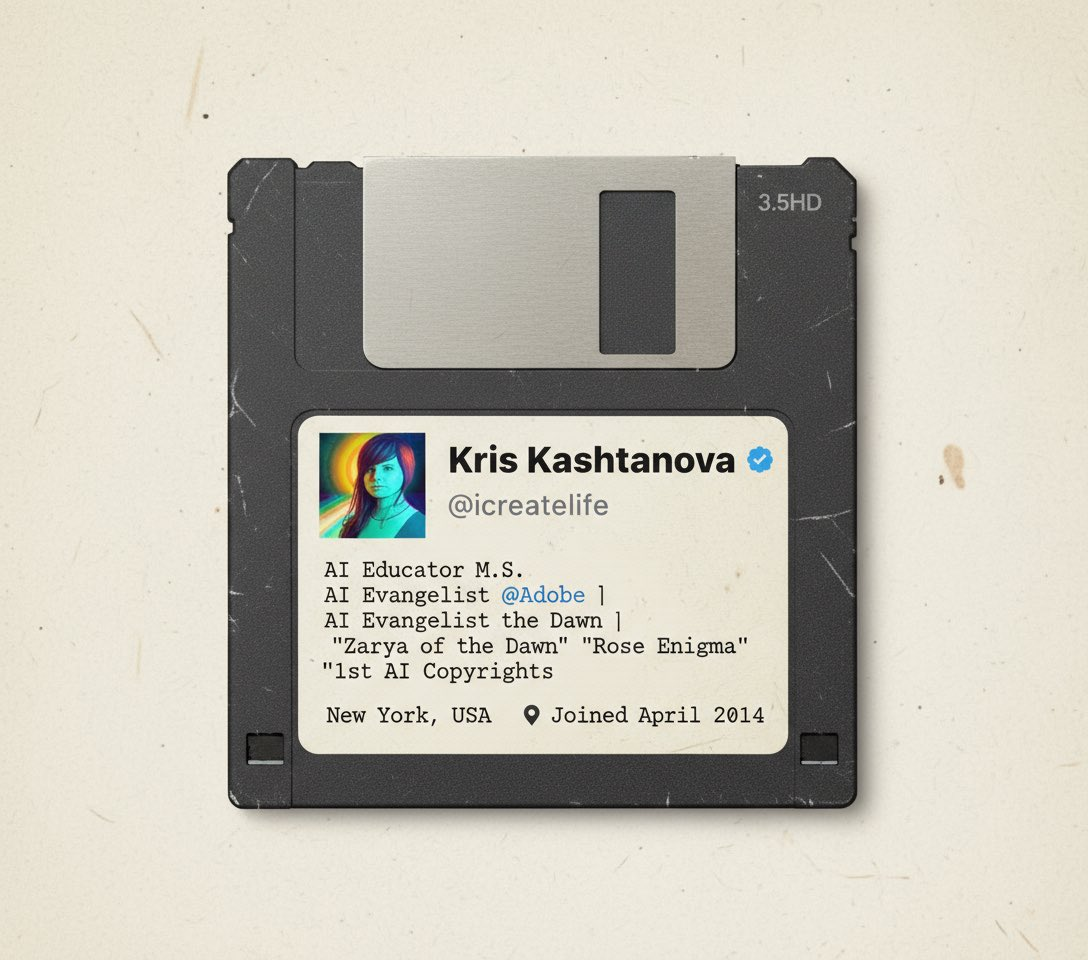
把我的X账户做成90年代软盘
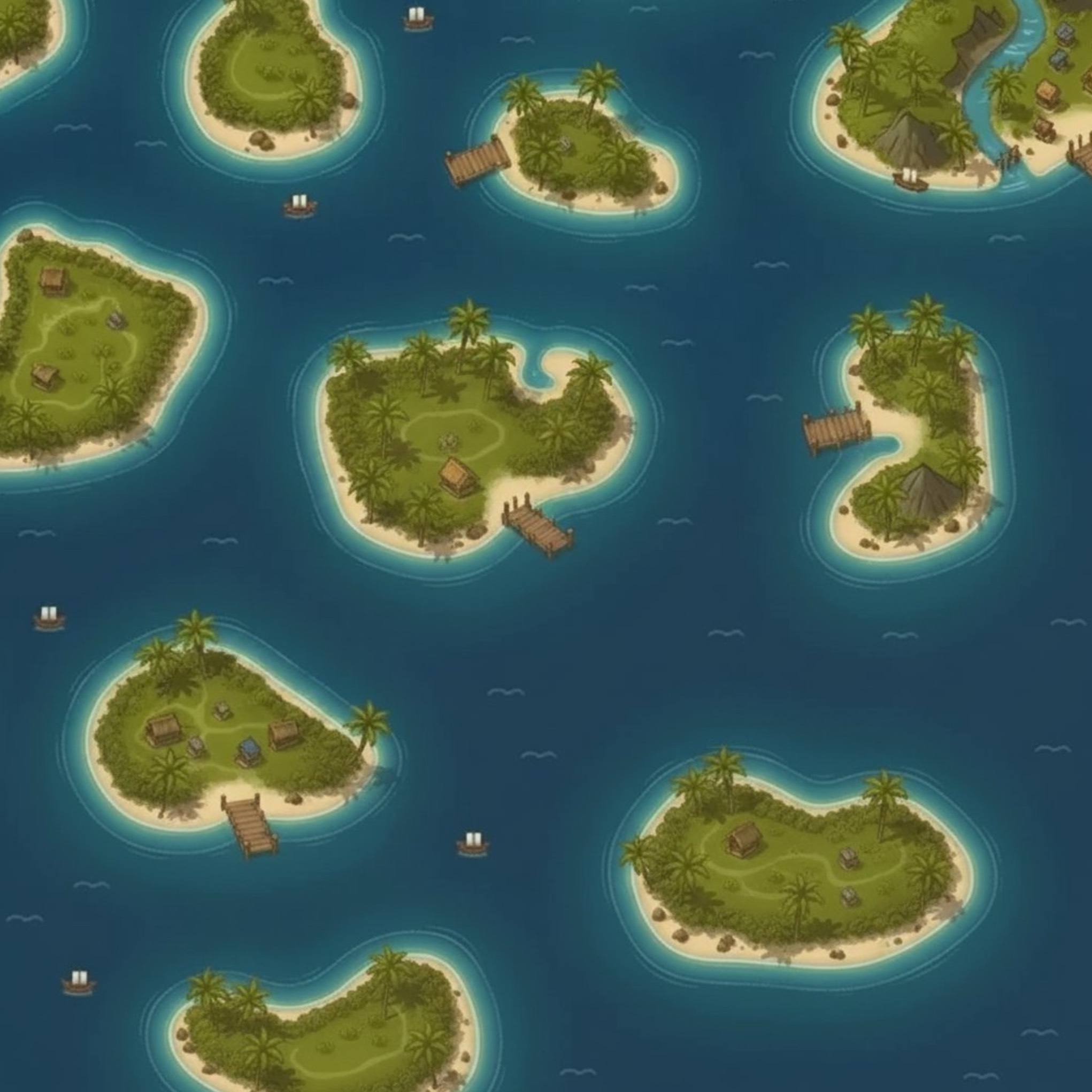
将图像的棋盘格部分进行修复,恢复为完整图像
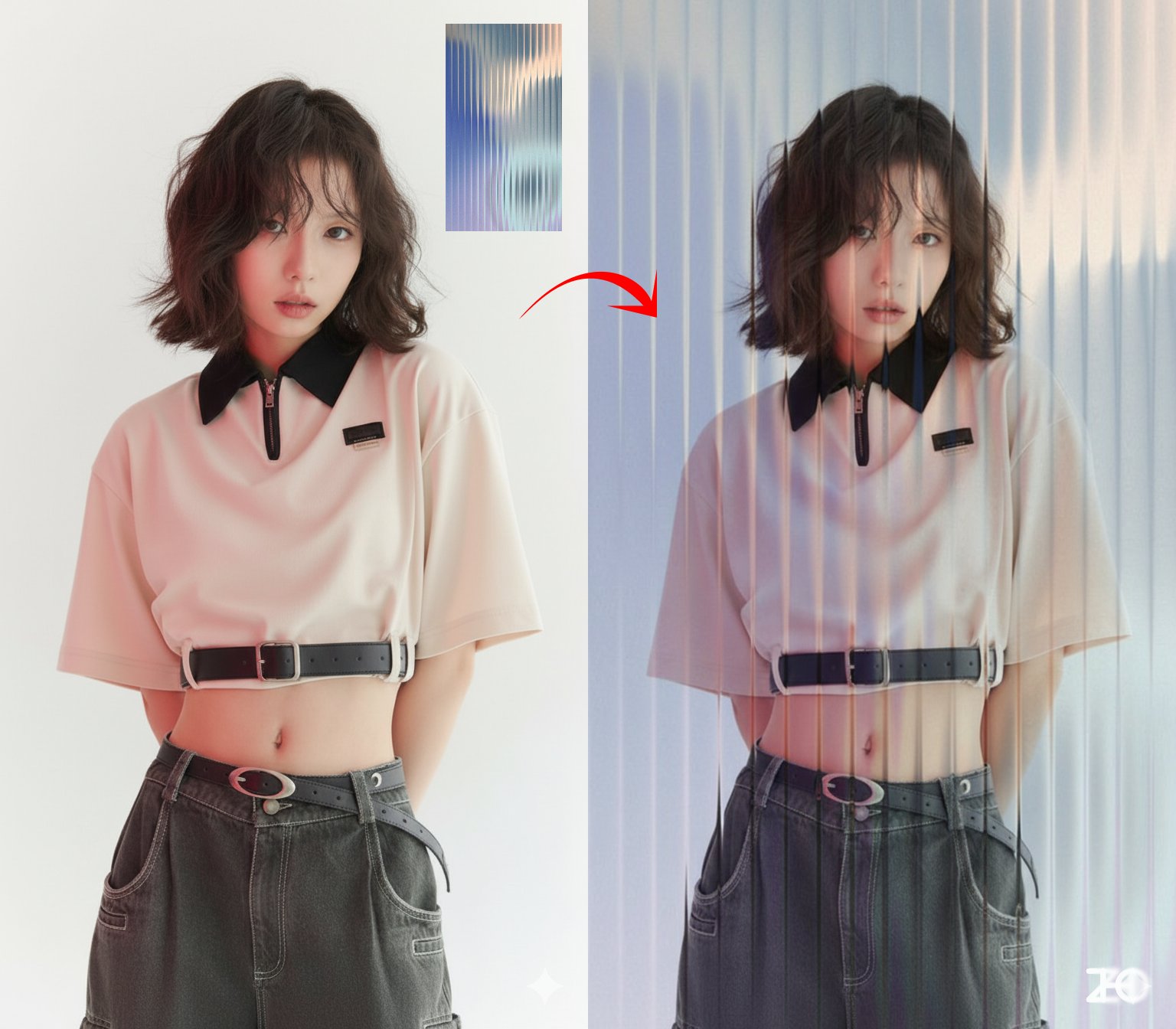
为图一照片叠加上图二 [玻璃] 的效果
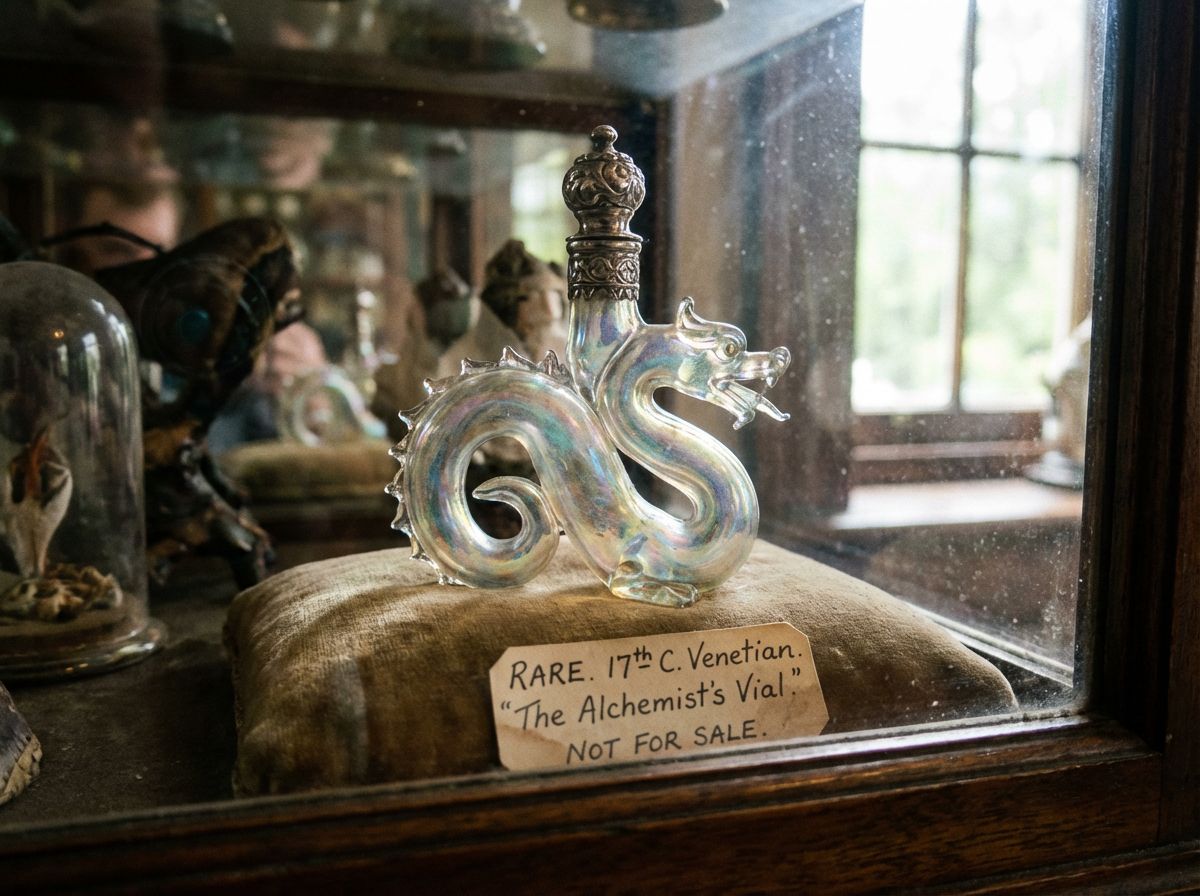
rare.jpg
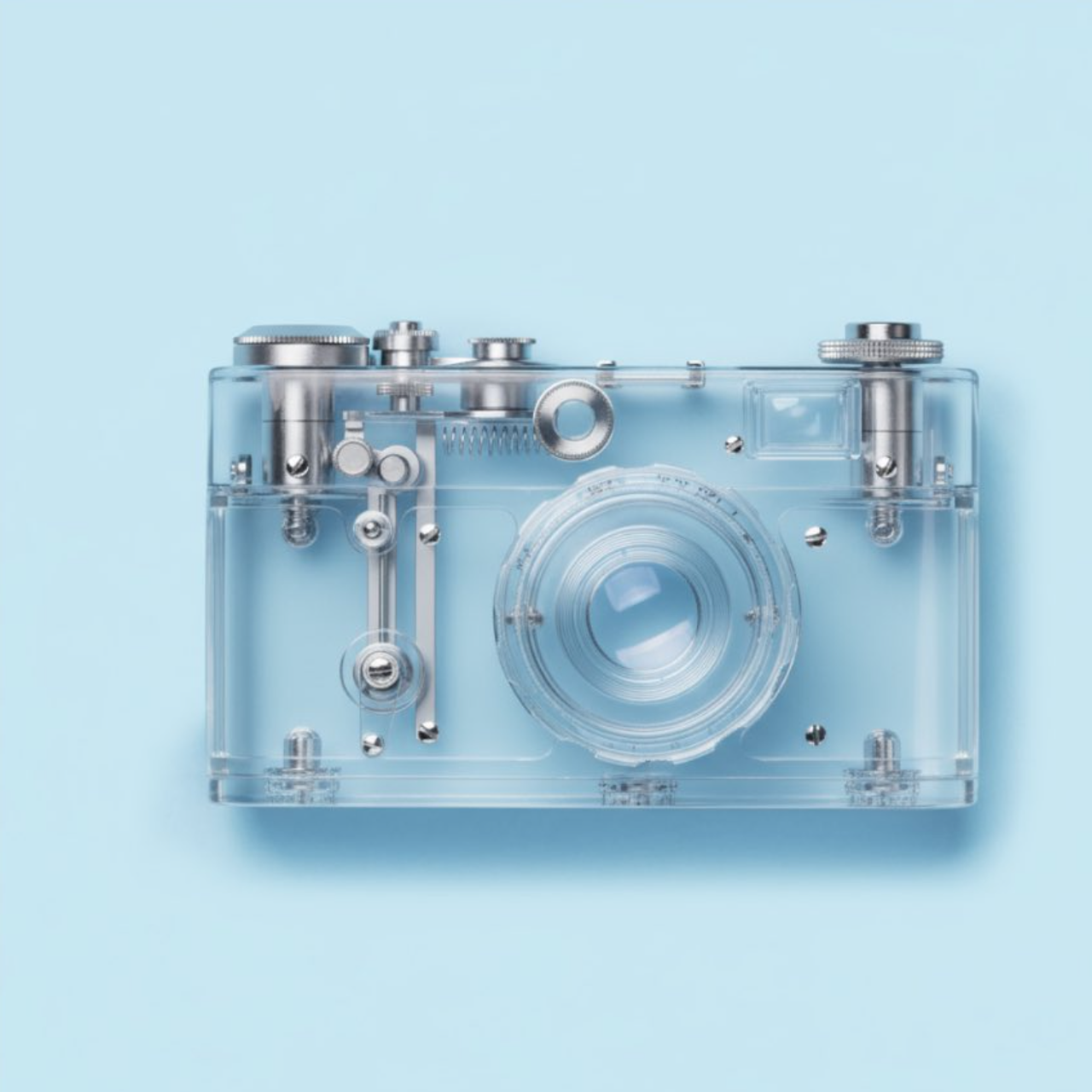
使该对象透明
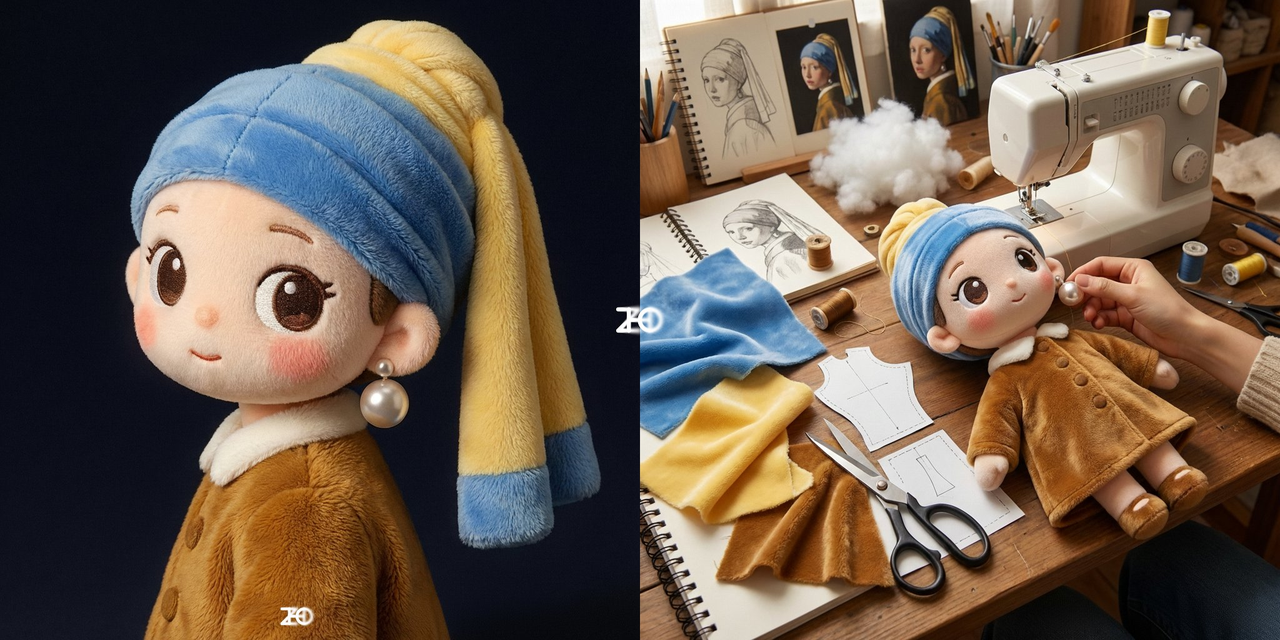
我想看这个是如何制作出来的
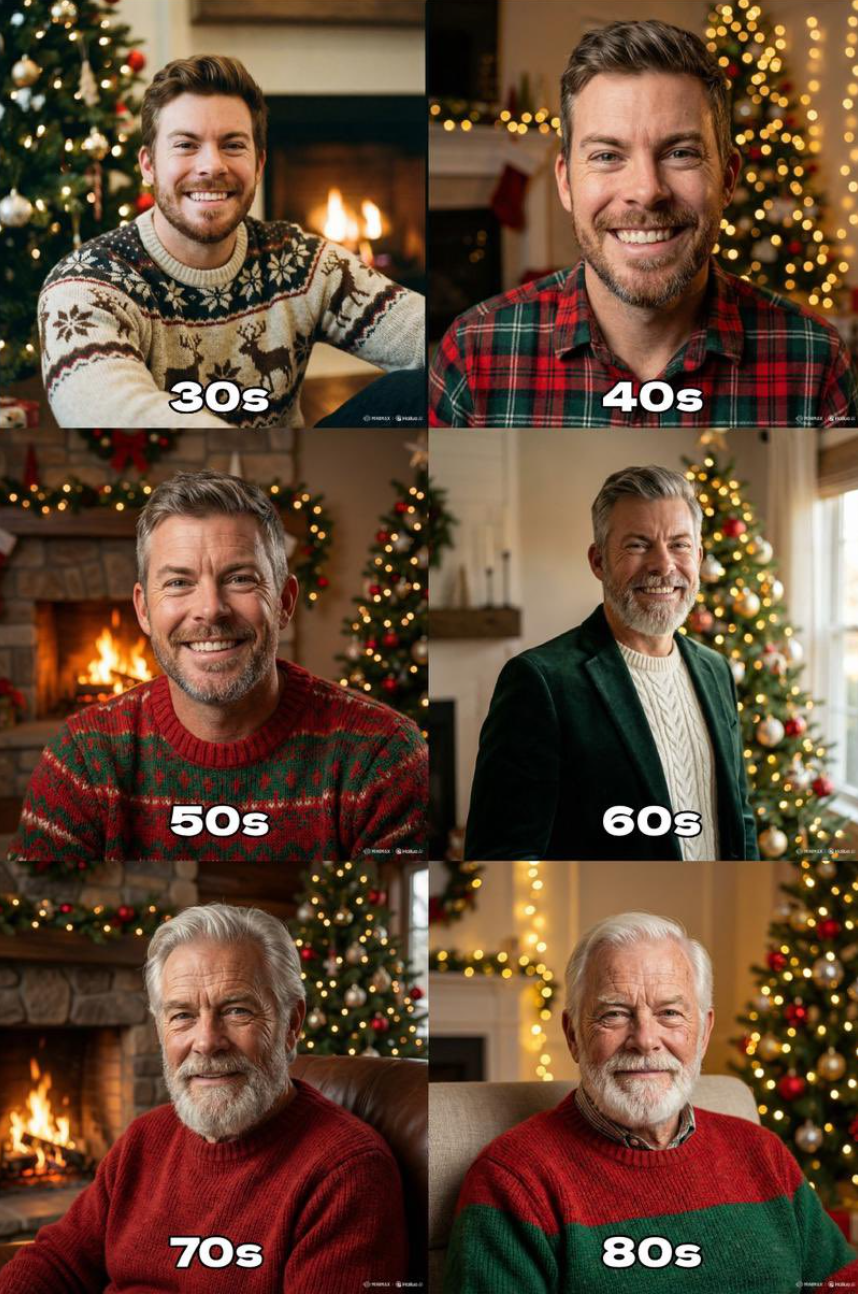
"Generate the holiday photo of this person through the ages up to 80 years old"
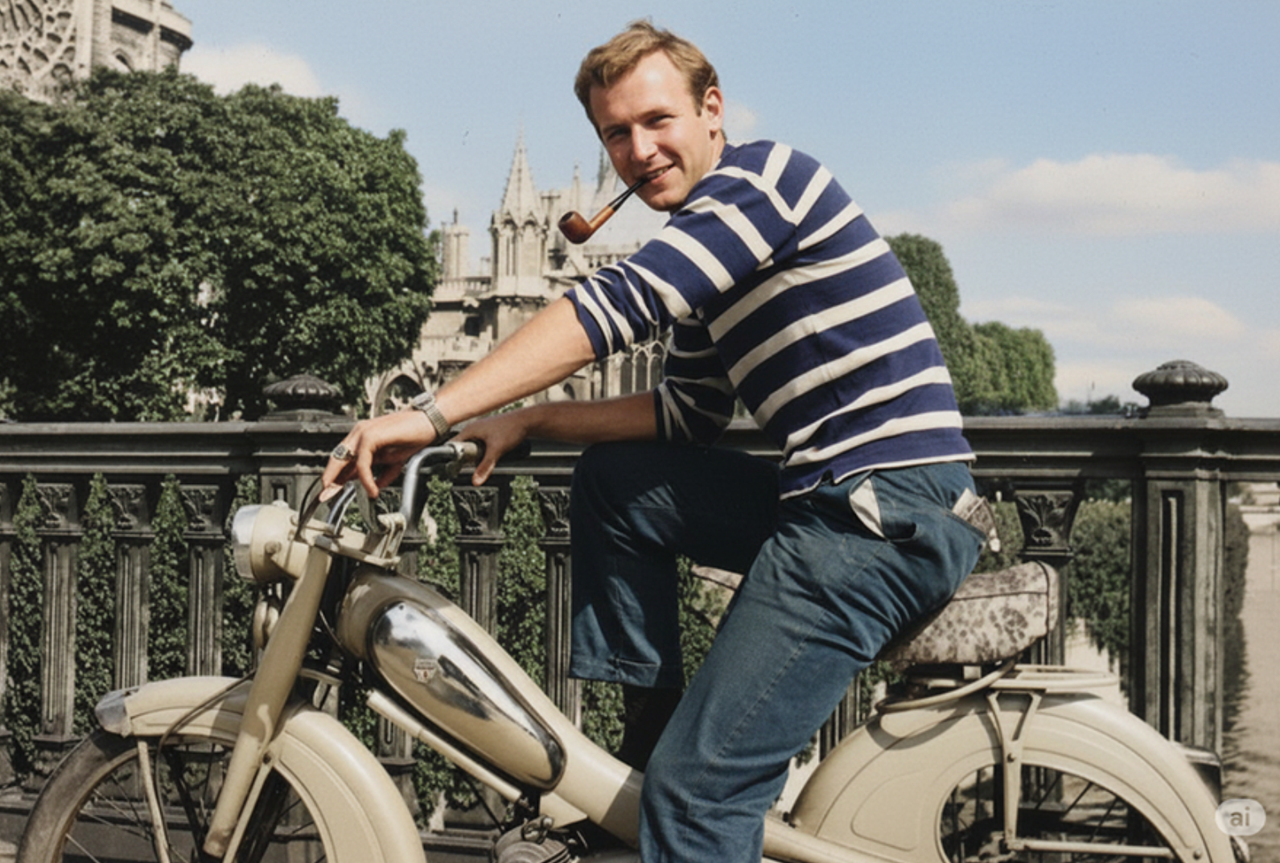
修复并为这张照片上色
支持我们
如果这个项目对你有帮助,欢迎请开发者喝杯咖啡 ☕️

推荐使用微信扫码

推荐使用支付宝扫码