
搜索结果: "Star Wars"
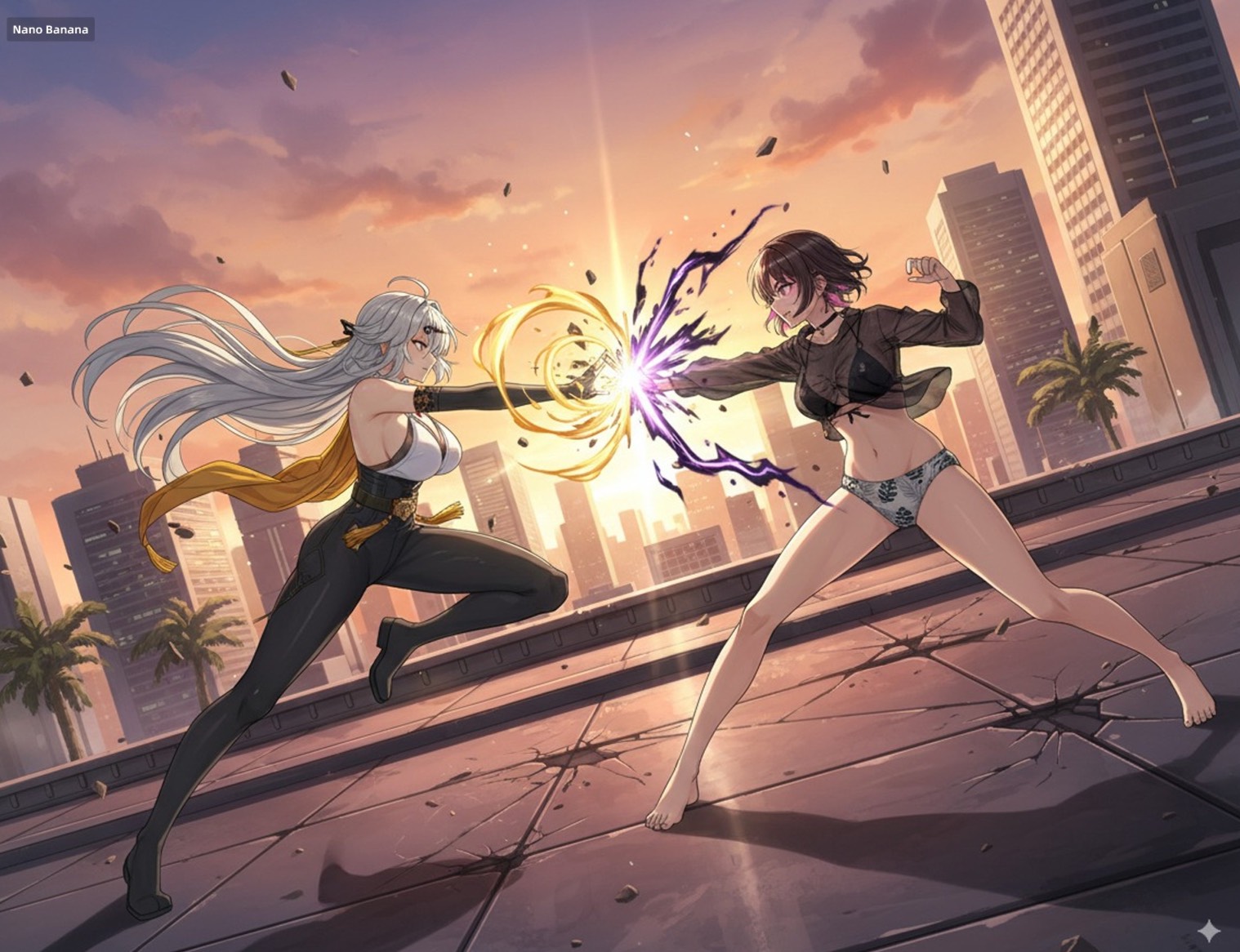
让这两个角色使用图3的姿势进行战斗。添加适当的视觉背景和场景互动,生成图像比例为16:9
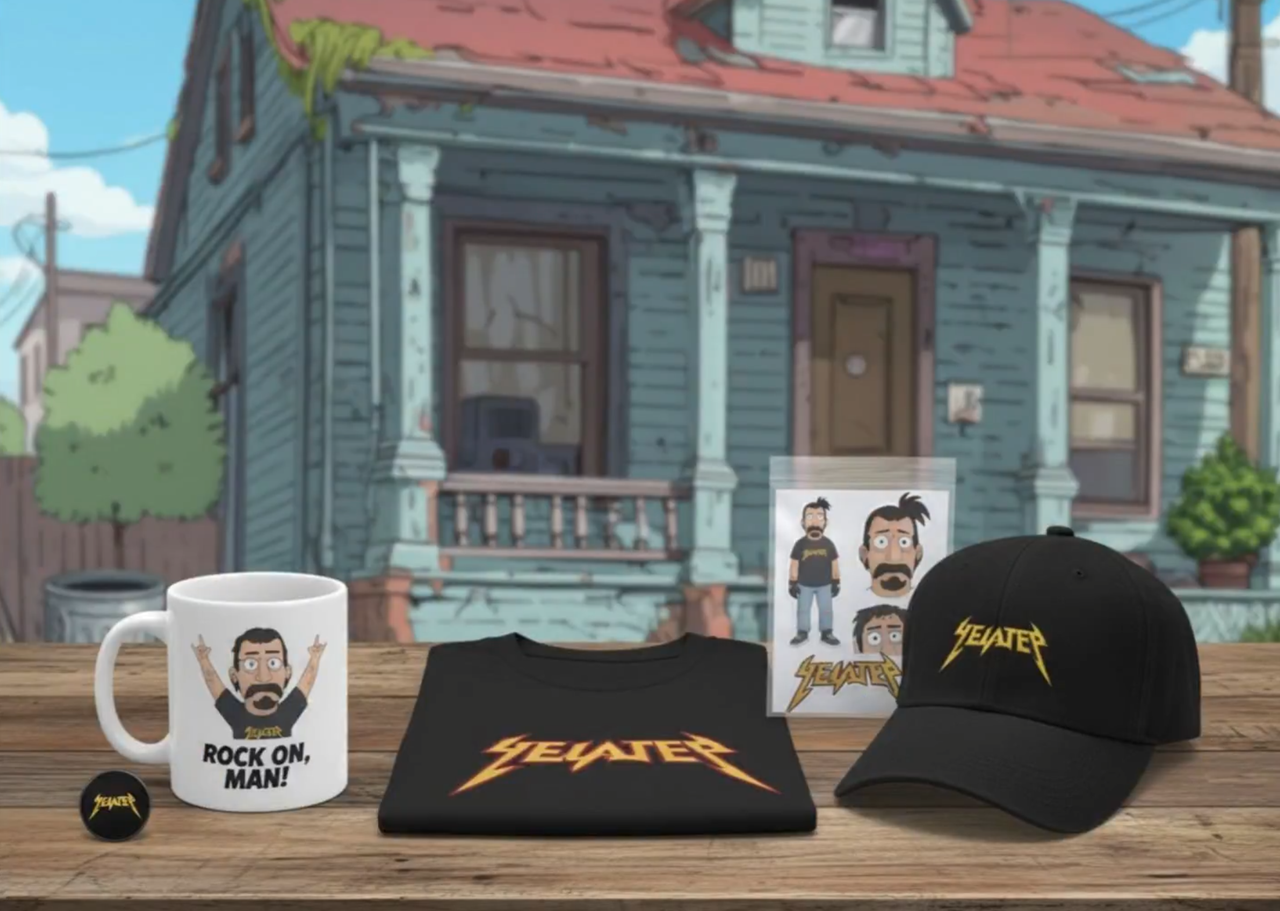
用这个角色图像创建商品
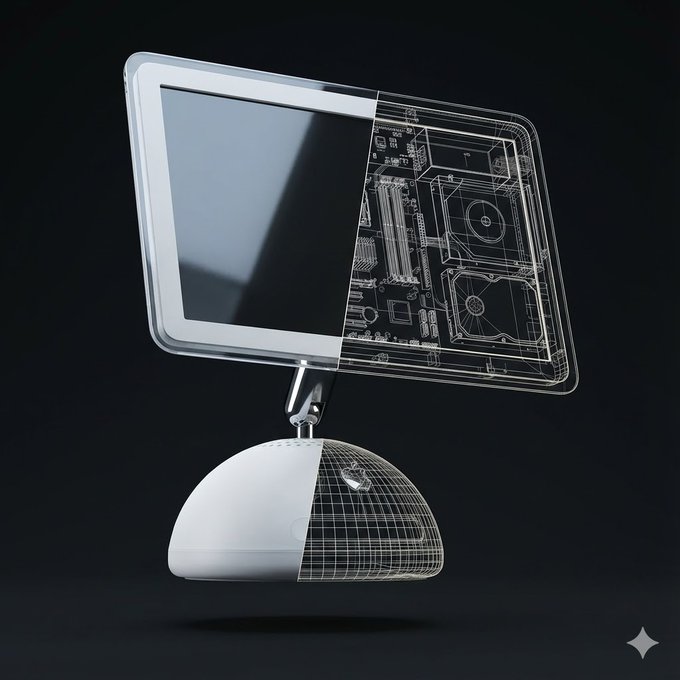
Create a high-quality, realistic 3D render of exactly one instance of the object: [Orange iPhone 17 Pro]. The object must float freely in mid-air and be gently tilted and rotated in 3D space (not front-facing). Use a soft, minimalist dark background in a clean 1080×1080 composition. Left Half — Full Realism The left half of the object should appear exactly as it looks in real life — accurate materials, colors, textures, reflections, and proportions. This half must be completely opaque with no transparency and no wireframe overlay. No soft transition, no fading, no blending. Right Half — Hard Cut Wireframe Interior The right half must switch cleanly to a wireframe interior diagram. The boundary between the two halves must be a perfectly vertical, perfectly sharp, crisp cut line, stretching straight from the top edge to the bottom edge of the object. No diagonal edges, no curved slicing, no gradient. The wireframe must use only two line colors: Primary: white (≈80% of all lines) Secondary: a color sampled from the dominant color of the realistic half (<20% of lines) The wireframe lines must be thin, precise, aligned, and engineering-style. Every wireframe component must perfectly match the geometry of the object. Strict Single-Object Rule Render only ONE object in the entire frame. Render only one physical object. Do NOT show a second object from any angle. Do NOT show a second object as a reflection, shadow, silhouette, outline, ghost image, or transparency. Do NOT show a second object for comparison or display purposes. Do NOT show both the front and the back separately. Do NOT show an extra device behind, beside, underneath, or partially hidden. Only one single object is allowed in the entire frame. No duplicate objects, no mirrored back-and-front pairings, no reflections showing a second object. The object must appear alone, floating. Pose & Lighting: Apply a natural, subtle tilt + rotation in 3D to make it look like a floating product visualization. Use soft, neutral global illumination and no shadows under the object. No extra props, no text, no labels unless explicitly requested.
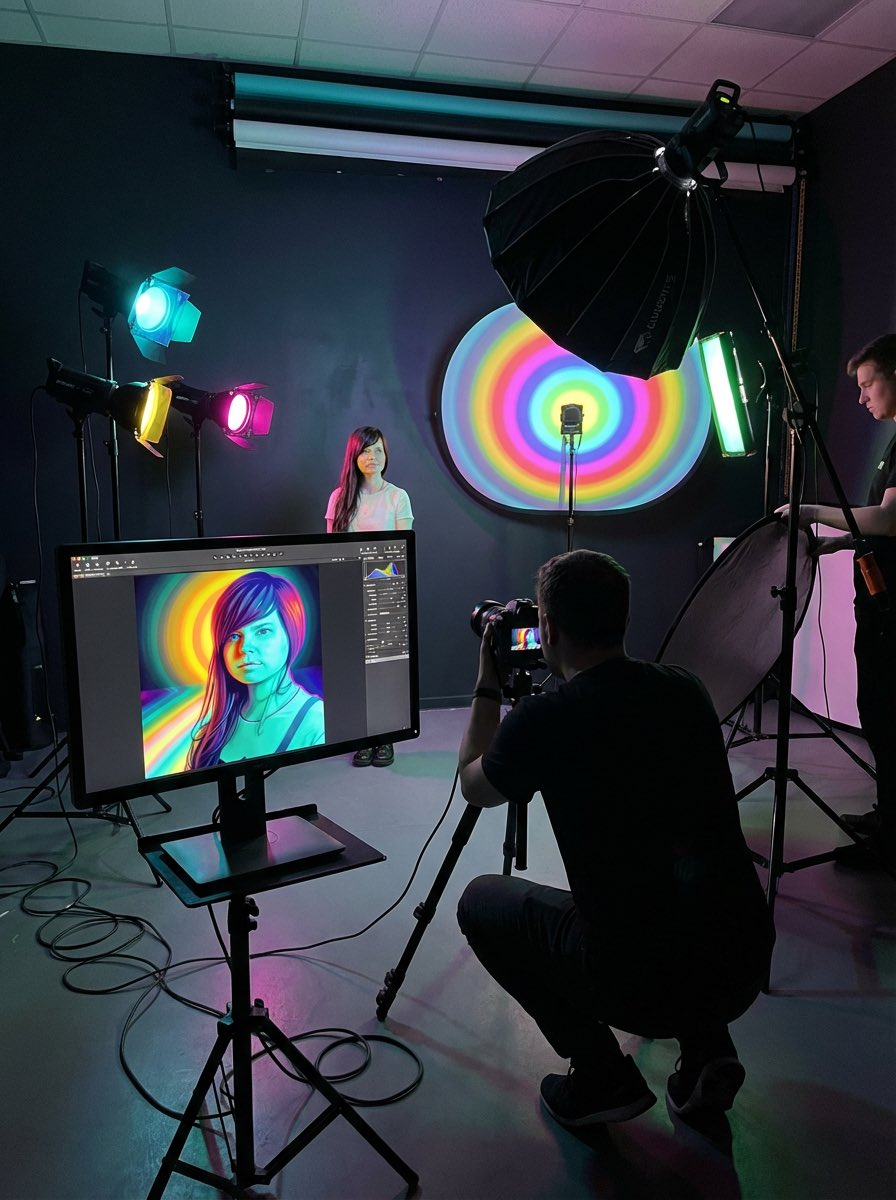
我想看看这张照片拍摄的幕后花絮,了解它是如何诞生的。
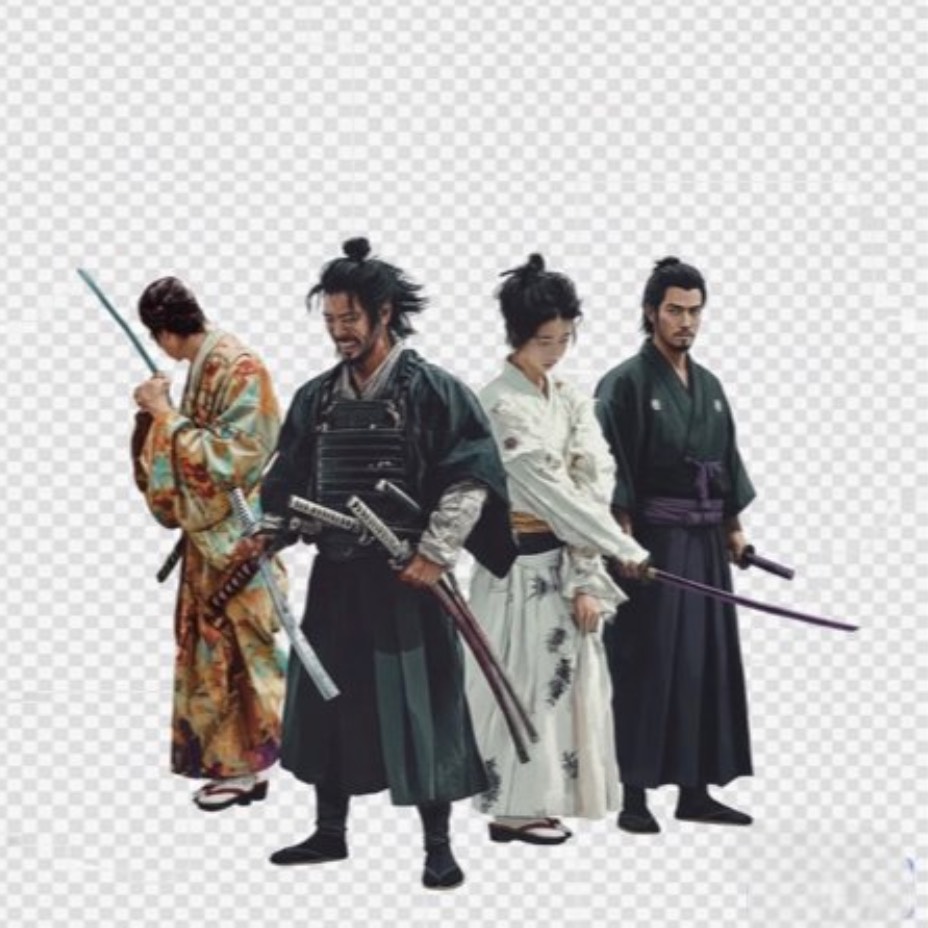
提取 [武士] 并放置透明背景
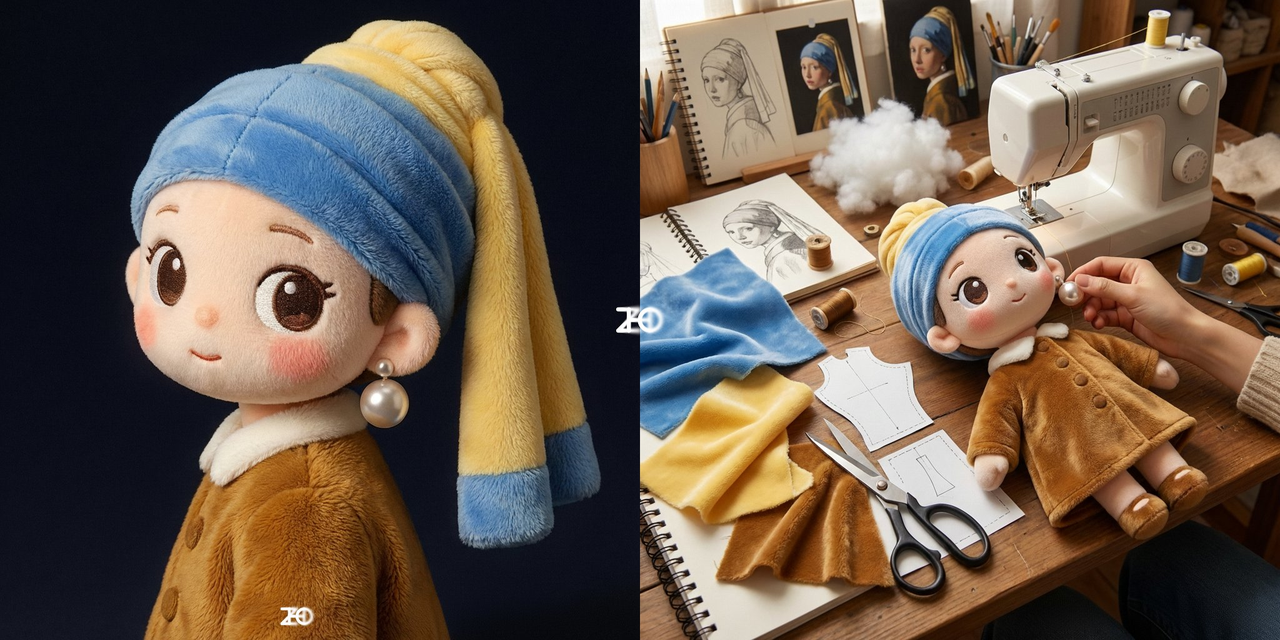
我想看这个是如何制作出来的
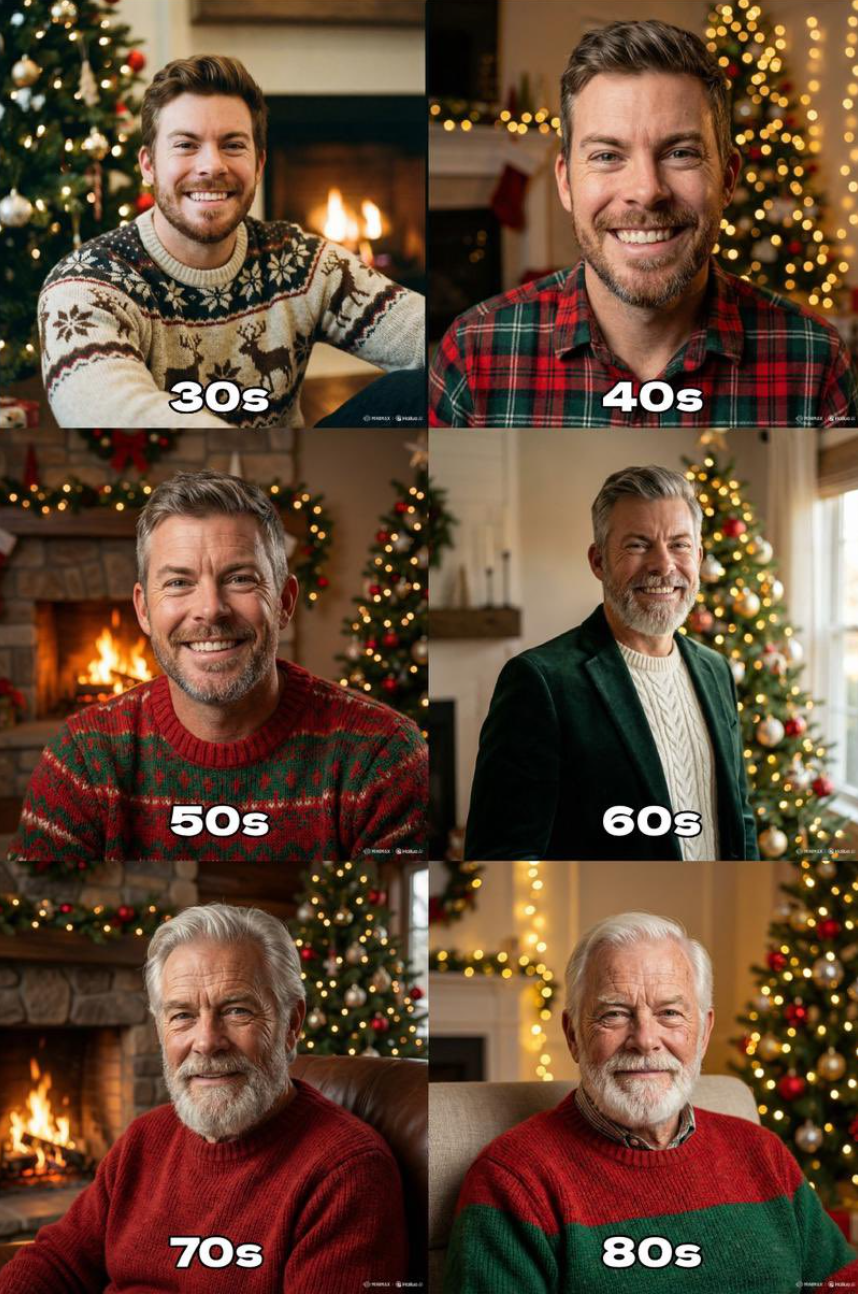
"Generate the holiday photo of this person through the ages up to 80 years old"
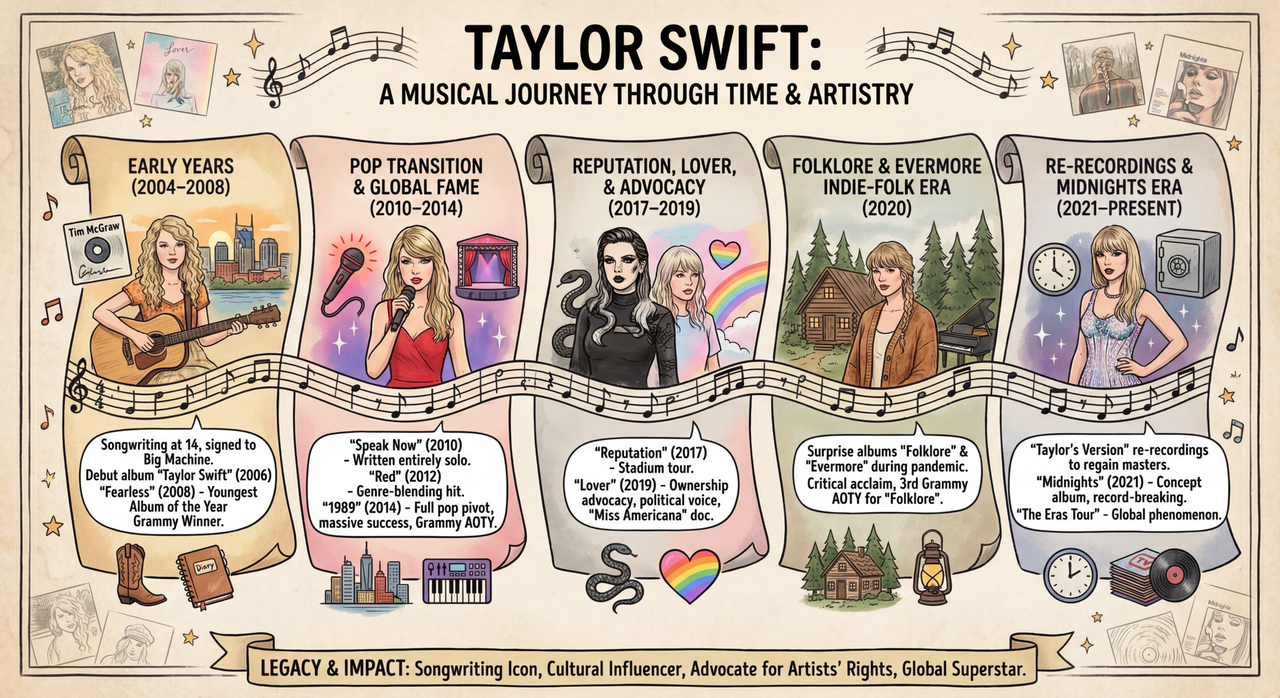
根据这篇文章 [维基百科页面] 制作一张关于此人生平的信息图。
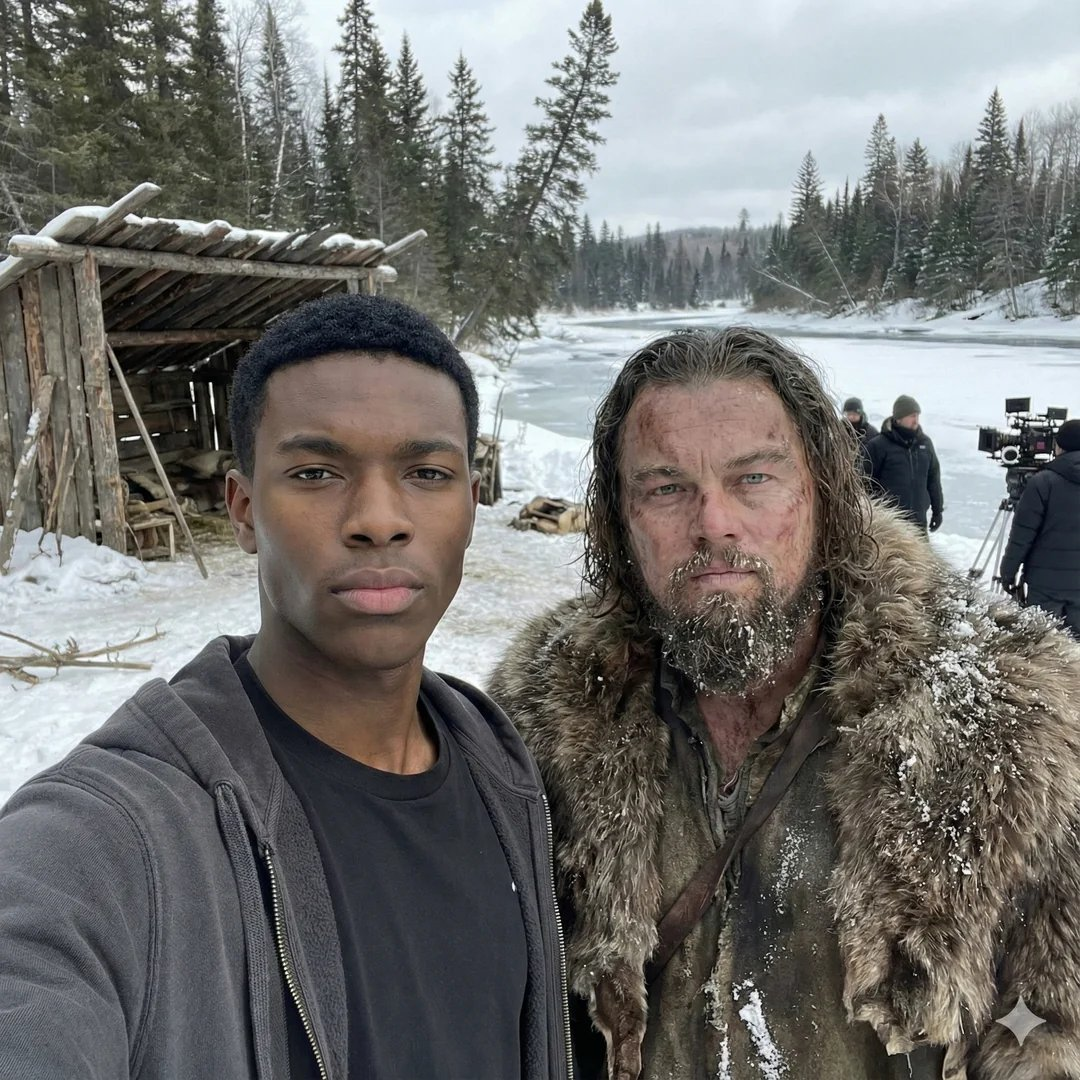
我在[电影名称]片场和[电影角色]自拍。 请保持人物与参考图片完全一致,包括面部特征、骨骼结构、肤色、表情、姿势和外貌,100%相同。1:1宽高比,4K分辨率。
将图像的棋盘格部分进行修复,恢复为完整图像
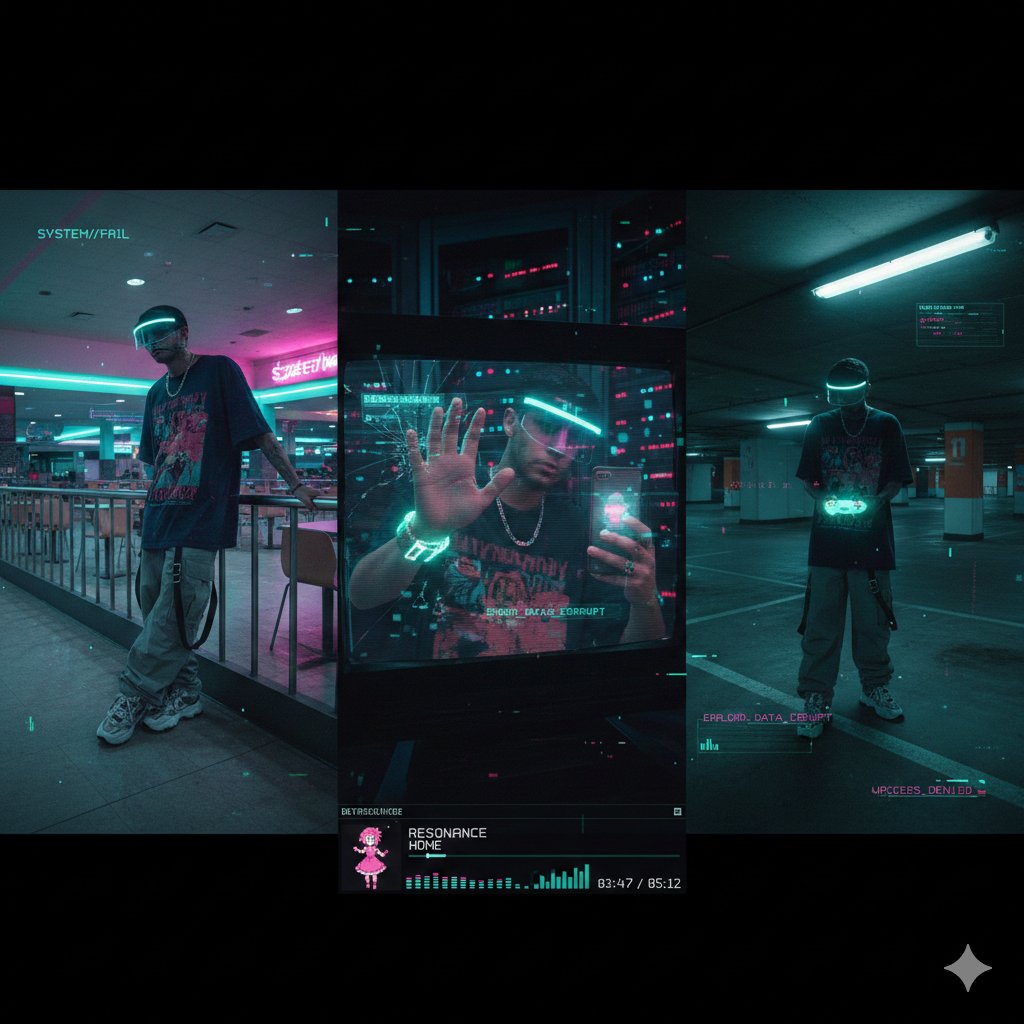
{ "project_title": "Cyber-Liminal Dream Sequence", "aspect_ratio": "2.35:1 (cinematic widescreen)", "aesthetic_theme": { "style": "Glitchcore vaporwave triptych", "mood": "Solitary digital nostalgia", "color_palette": [ "Teal and magenta gradients", "Mint greens", "Off-whites", "Deep indigo shadows" ], "textures": [ "CRT screen static", "Glossy plastic", "Faux marble", "Pixelated dithering" ] }, "subject_outfit": { "core": "Oversized vintage tech tee (obscure anime graphic), baggy cargos with utility straps, chunky sneakers", "accessories": "Transparent visor with LED rim, silver chain necklace", "tech": "Holographic flip phone, coiled wrist gadget" }, "composition_layout": { "frame_1_left": { "type": "Low-angle shot in empty mall food court", "pose": "Leaning on neon-lit railing, looking away", "visual_effects": "Scanlines, VHS bleed, chromatic aberration" }, "frame_2_center": { "type": "Mid-shot reflection in broken monitor screen", "setting": "Dark server room with blinking lights", "pose": "One hand touching screen, distorted reflection", "visual_effects": "Data-moshing, fragmented geometry overlay" }, "frame_3_right": { "type": "Dutch angle in empty parking garage", "lighting": "Flickering fluorescent tubes", "props": "Holding translucent game controller", "overlays": "Floating UI elements, low-poly wireframe grids" } }, "ui_elements": { "player_ui": { "style": "Late-90s multimedia player skin", "content": "“RESONANCE” by HOME", "features": "Virtual dancing anime mascot, equalizer bars, track time in pixel font" }, "graphics": "Glitch transitions between frames, corrupted text fragments, 'ERROR' pop-ups" }, "negative_constraints": [ "Natural landscapes", "Modern UI (flat design)", "Human faces fully visible", "Grunge textures", "Warm lighting", "Organic shapes" ] }
支持我们
如果这个项目对你有帮助,欢迎请开发者喝杯咖啡 ☕️

推荐使用微信扫码

推荐使用支付宝扫码