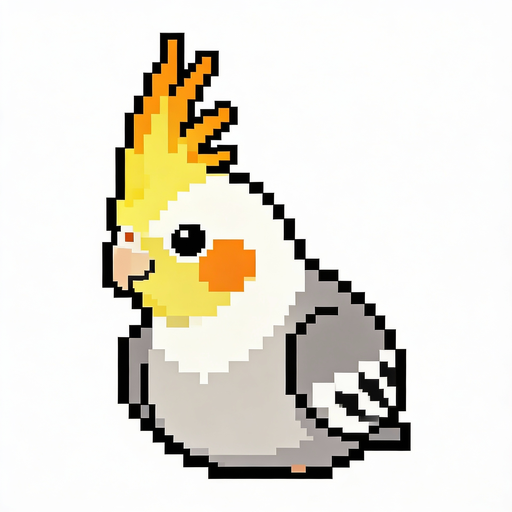
搜索结果: "Fandom"
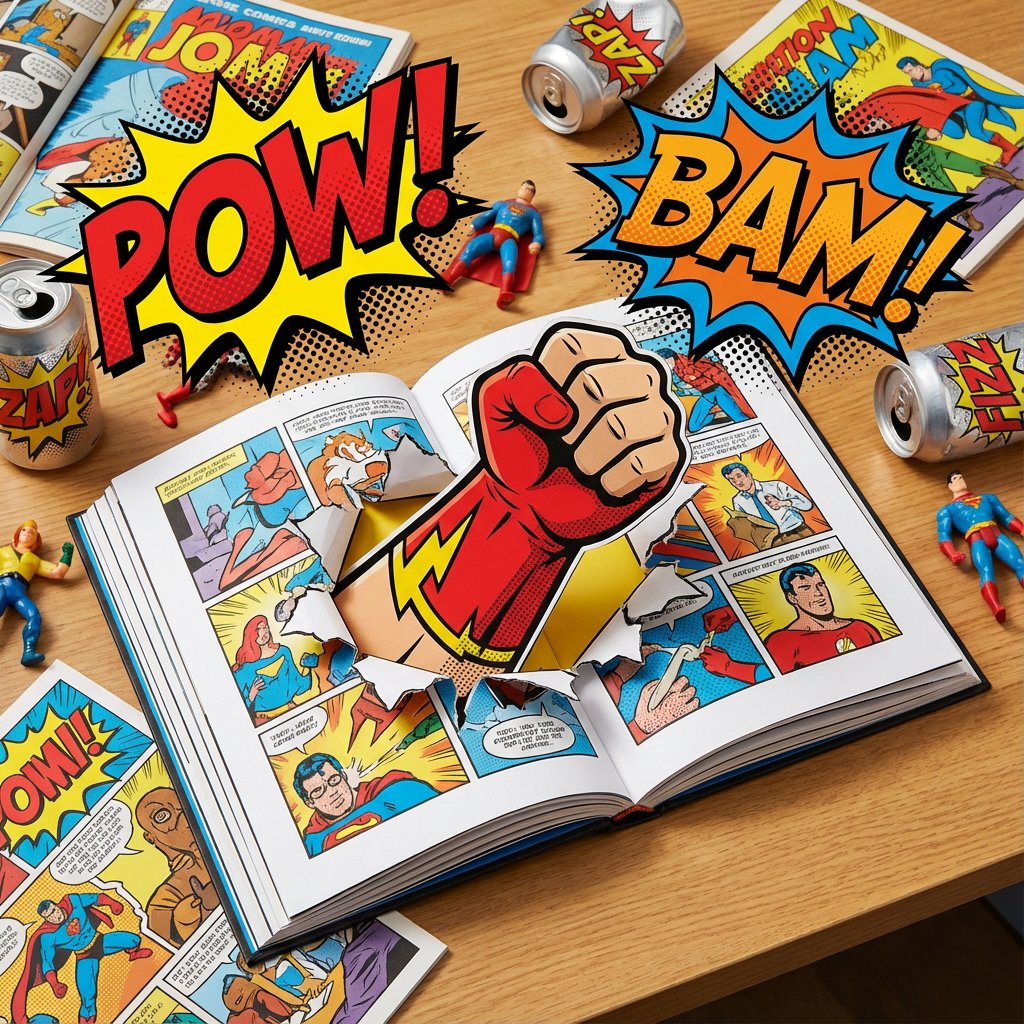
do this for {argument name="superhero name" default="Iron Man"} <instructions>Subject: An open graphic novel. A superhero character is doing his signature move through a page in 3D, with the right sound effect bubbles floating in the air. Style: Pop art mixed with character appropriate style, comic book cel-shading, vibrant primary colors, halftone patterns. Environment: A messy [audience appropriate] desk with action figures and soda cans related to the this super hero's universe. Lighting: Bright, flat, high-key lighting typical of comic book coloring mixed with character appropriate colors. Composition: Dynamic, foreshortened perspective emphasizing the signature move coming toward the viewer.</instructions>
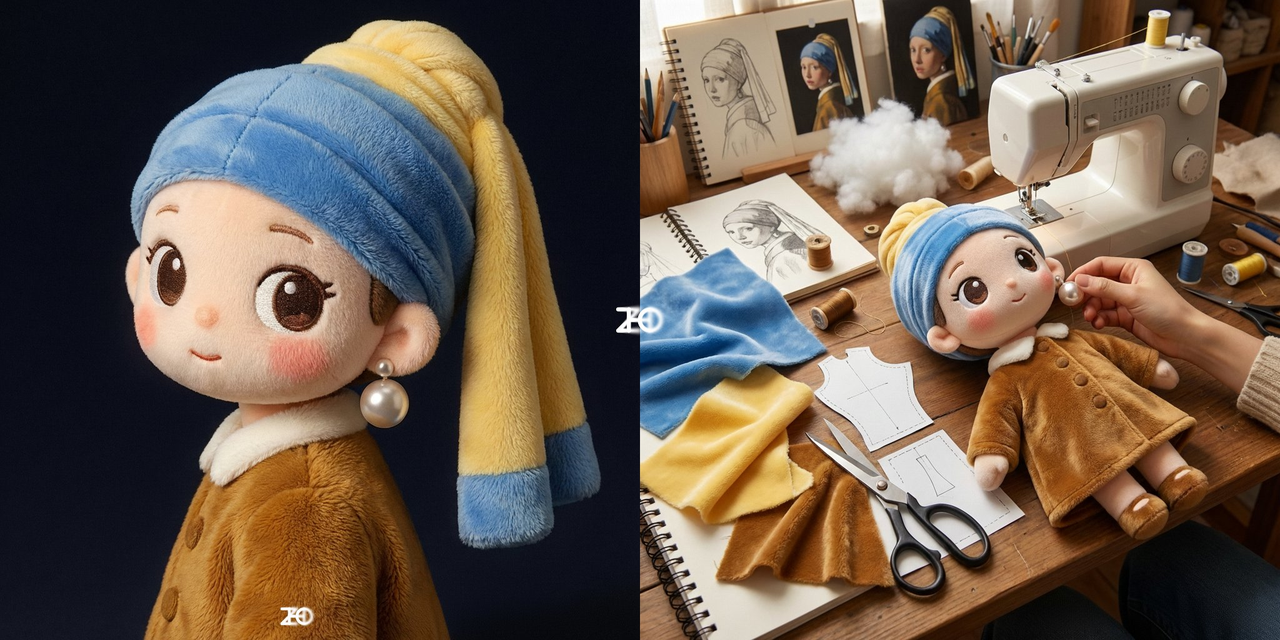
我想看这个是如何制作出来的
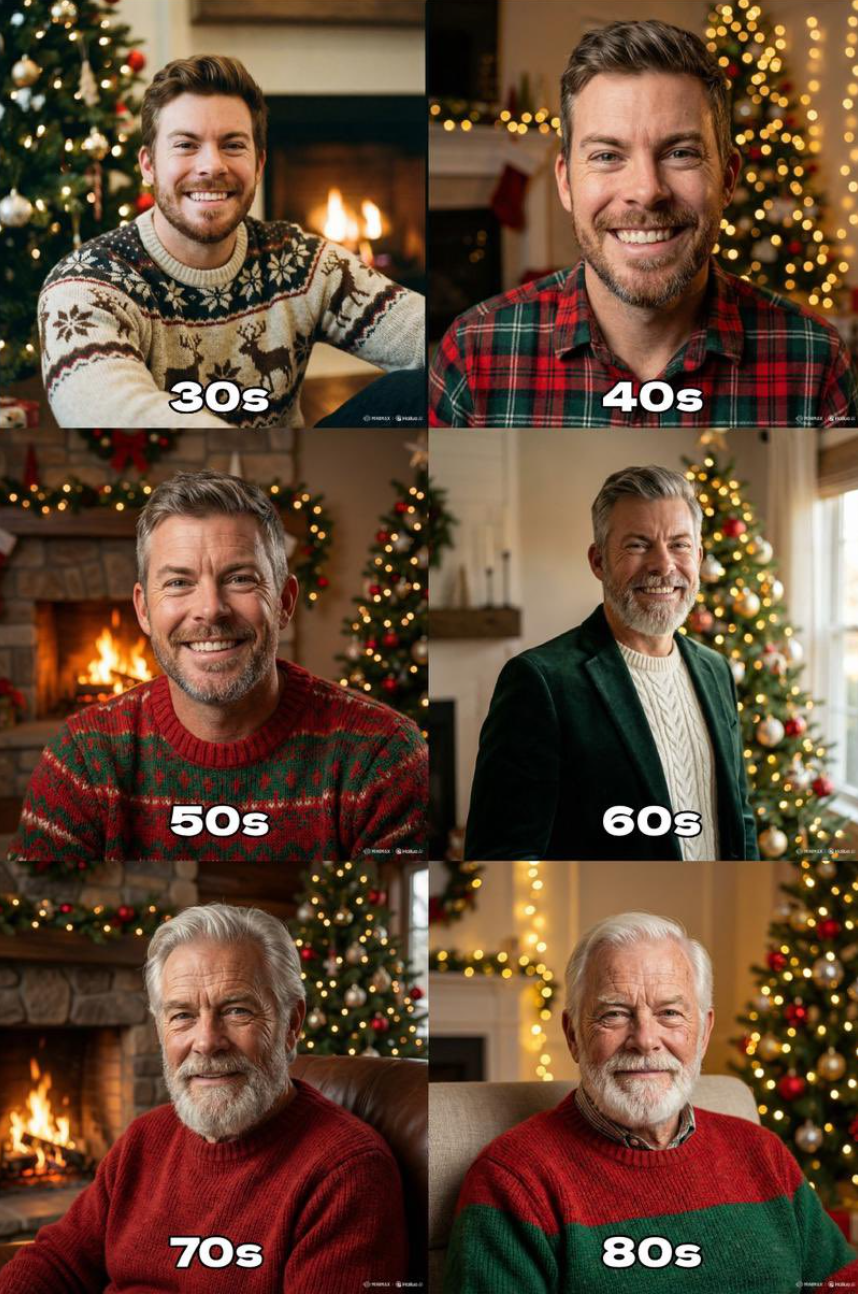
"Generate the holiday photo of this person through the ages up to 80 years old"
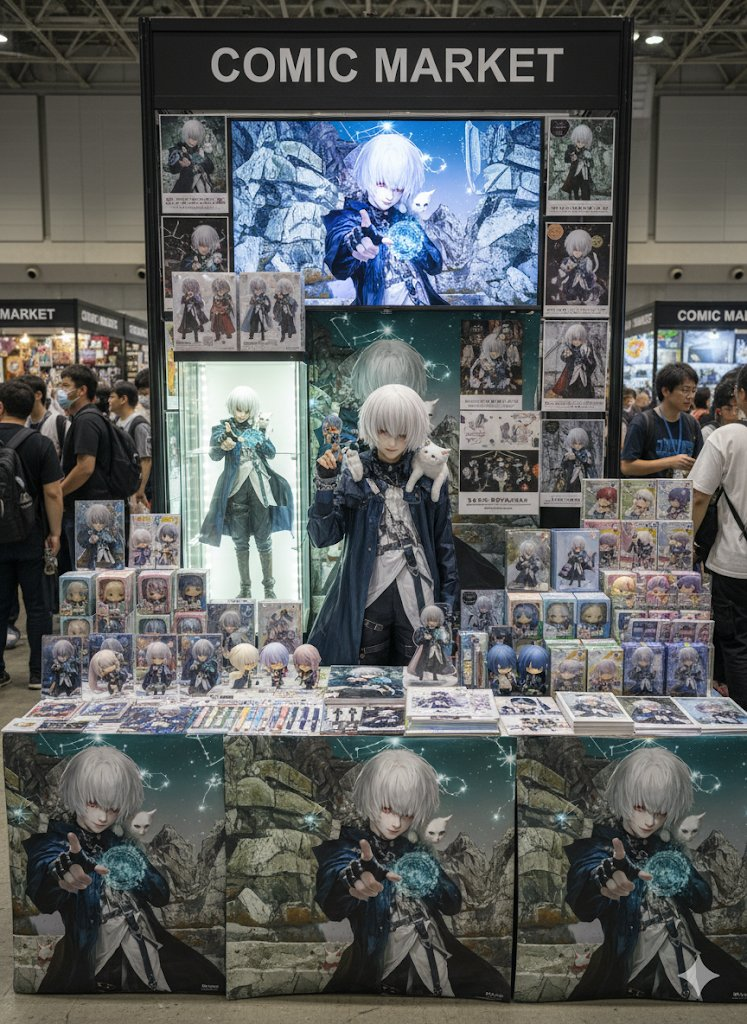
擦除背景,将人物替换为以下内容: Cosplayer 和角色周边 角色/主题: 基于插画的角色周边 发型、眼妆和外貌: (请关注周边商品,而非角色本身。) 主角:一位 Cosplayer 手持人偶,站在屏幕中央。 地点: 漫画市集(同人志销售活动)。 宽敞的展位上,周边商品摆放在桌子和货架上,气氛热烈而充满期待。 周边商品: • 一个约 100 厘米的大型人偶摆放在展位中央,引人注目。 • 角色展示在 80 英寸的液晶显示屏上。 • 亚克力立架 • 迷你手办(变形) • 抱枕(大型全身人物印花) • 拼图(使用人物原图) • 文具(笔记本、笔、透明文件夹等) • 桌垫 • 毛绒玩具(变形) 展览/陈列: • 商品整齐排列于展位各处,营造统一的氛围。 • 运用类似同人志售卖会的桌子和架子,鼓励粉丝们选购商品。 • 以活力四射的访客为背景,将展位打造为一个特别的“粉丝圣地”。 整体基调: 梦幻般的售卖空间。 在强调可爱和流行元素的同时,该空间也唤起了同人志活动特有的热情,营造出“粉丝活动圣地”的氛围。 人潮涌动。 图像质量:逼真,4K(4000像素 x 3000像素)
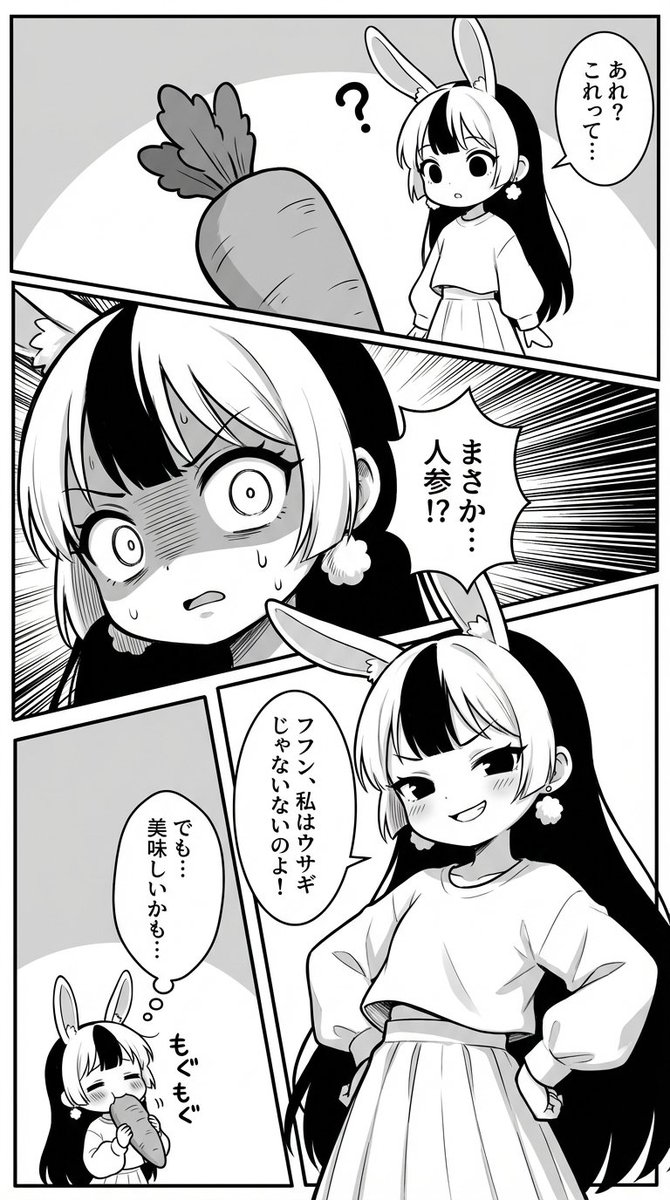
I constructed a prompt for NanobananaPro that draws manga nicely!
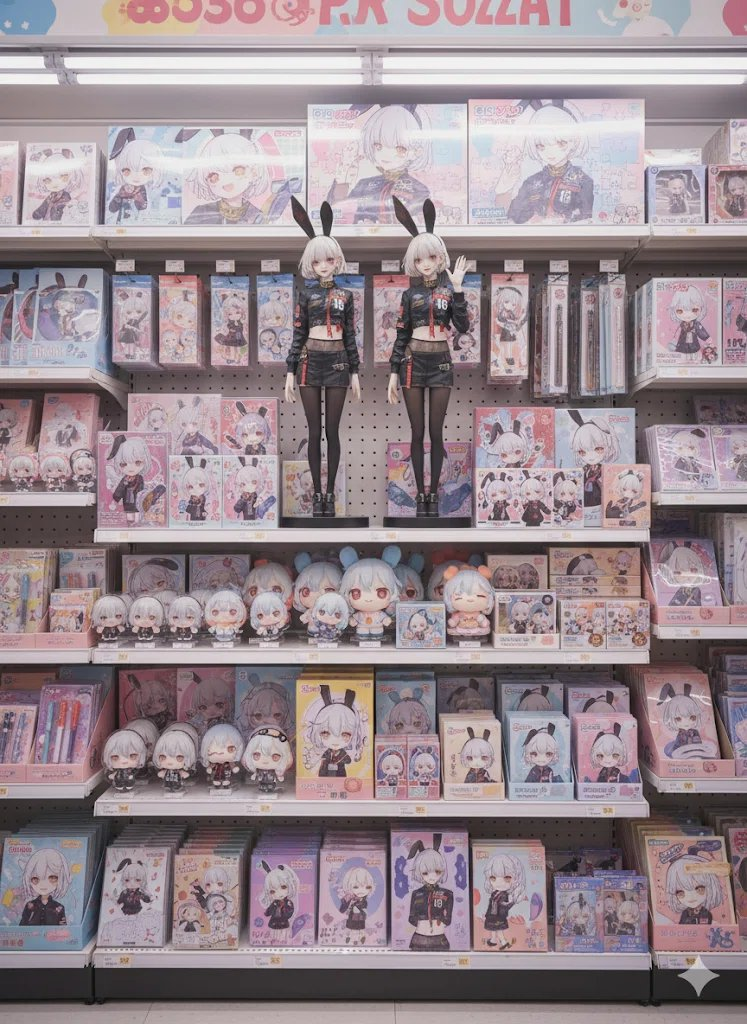
移除这幅插画的背景,将其制作成类似手办的周边商品。 图片:照片级写实 地点: 日本一家虚构的便利店的货架。可爱又流行的氛围与整齐摆放的插画周边商品相得益彰。店内空间梦幻般明亮,别具一格,营造出一个让粉丝们兴奋不已的特殊空间。 人物: 这些周边商品陈列在货架上。 周边商品: 屏幕中央摆放着两个约50厘米长的大型人偶(醒目展示) 亚克力支架(原作变形版) Q版人偶(原作变形版) 抱枕(大型印刷品,醒目展示) 拼图(角色造型) 文具(笔记本、笔、文件夹等,原作变形版) 纸板(原作变形版) 毛绒玩具(原作变形版) 陈列方式: 周边商品整齐地摆放在货架上,既保留了便利店的氛围,又充满了对角色的喜爱。这些商品的摆放方式让少女粉丝们忍不住想要拿起来。 整体氛围: 如梦似幻的周边商品销售空间。可爱与流行元素占据主导地位,虽然只是一家便利店,却被打造成“粉丝活动圣地”。 分辨率:4K,4000像素:3000像素
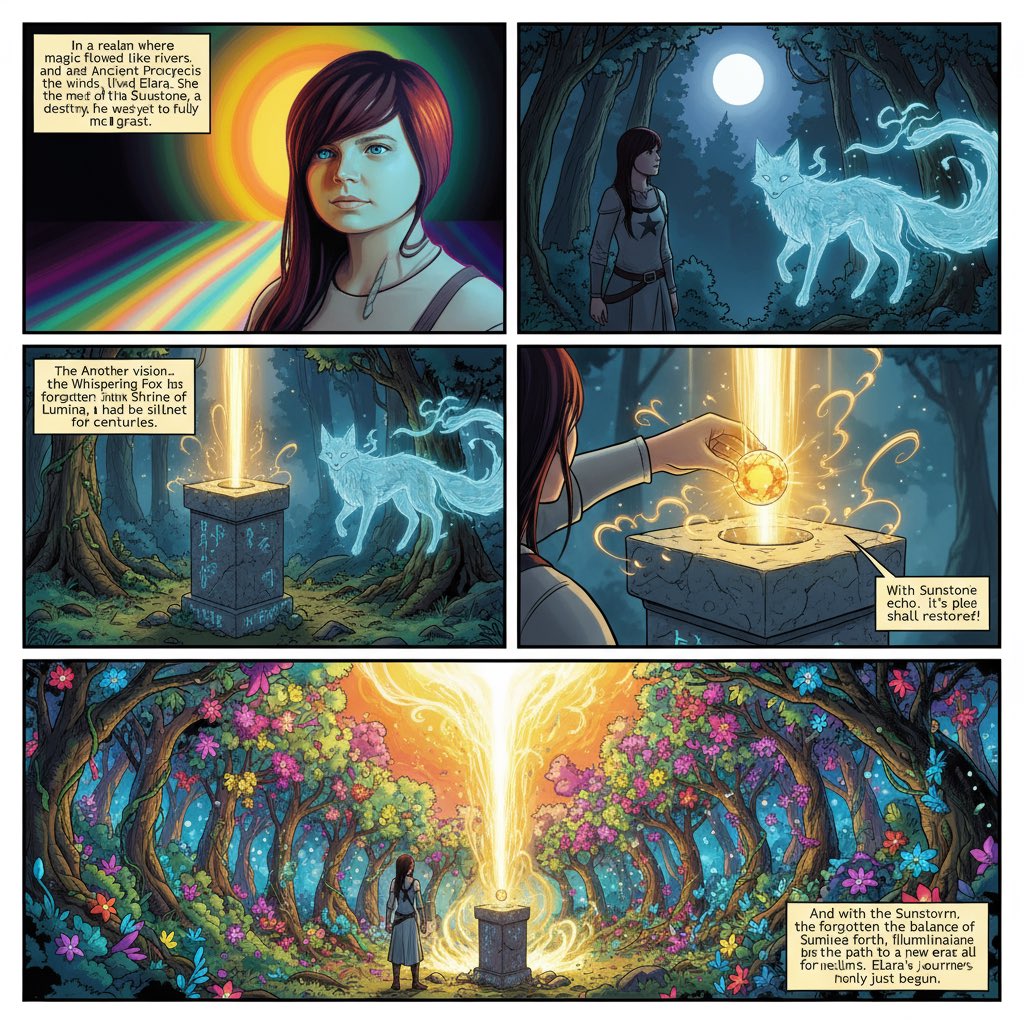
基于上传的图像,制作漫画书条幅,添加文字,写一个引人入胜的故事。我想要一本奇幻漫画书。
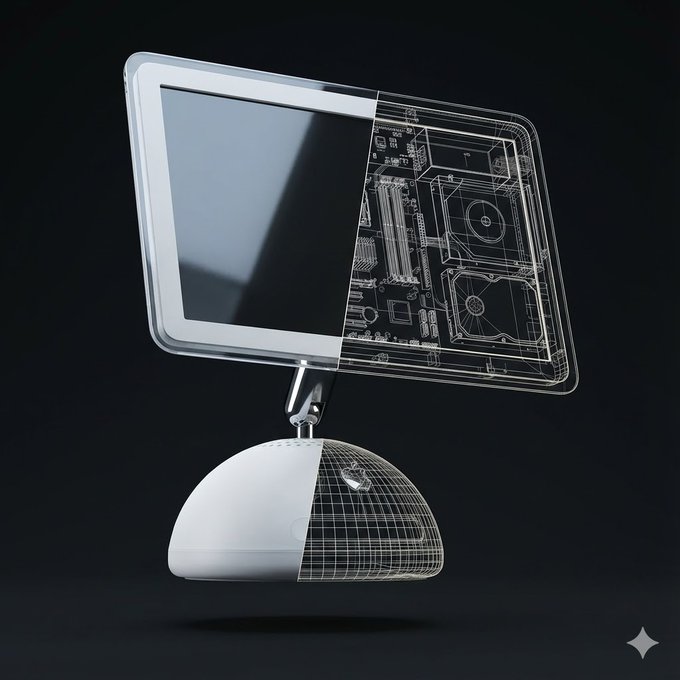
Create a high-quality, realistic 3D render of exactly one instance of the object: [Orange iPhone 17 Pro]. The object must float freely in mid-air and be gently tilted and rotated in 3D space (not front-facing). Use a soft, minimalist dark background in a clean 1080×1080 composition. Left Half — Full Realism The left half of the object should appear exactly as it looks in real life — accurate materials, colors, textures, reflections, and proportions. This half must be completely opaque with no transparency and no wireframe overlay. No soft transition, no fading, no blending. Right Half — Hard Cut Wireframe Interior The right half must switch cleanly to a wireframe interior diagram. The boundary between the two halves must be a perfectly vertical, perfectly sharp, crisp cut line, stretching straight from the top edge to the bottom edge of the object. No diagonal edges, no curved slicing, no gradient. The wireframe must use only two line colors: Primary: white (≈80% of all lines) Secondary: a color sampled from the dominant color of the realistic half (<20% of lines) The wireframe lines must be thin, precise, aligned, and engineering-style. Every wireframe component must perfectly match the geometry of the object. Strict Single-Object Rule Render only ONE object in the entire frame. Render only one physical object. Do NOT show a second object from any angle. Do NOT show a second object as a reflection, shadow, silhouette, outline, ghost image, or transparency. Do NOT show a second object for comparison or display purposes. Do NOT show both the front and the back separately. Do NOT show an extra device behind, beside, underneath, or partially hidden. Only one single object is allowed in the entire frame. No duplicate objects, no mirrored back-and-front pairings, no reflections showing a second object. The object must appear alone, floating. Pose & Lighting: Apply a natural, subtle tilt + rotation in 3D to make it look like a floating product visualization. Use soft, neutral global illumination and no shadows under the object. No extra props, no text, no labels unless explicitly requested.
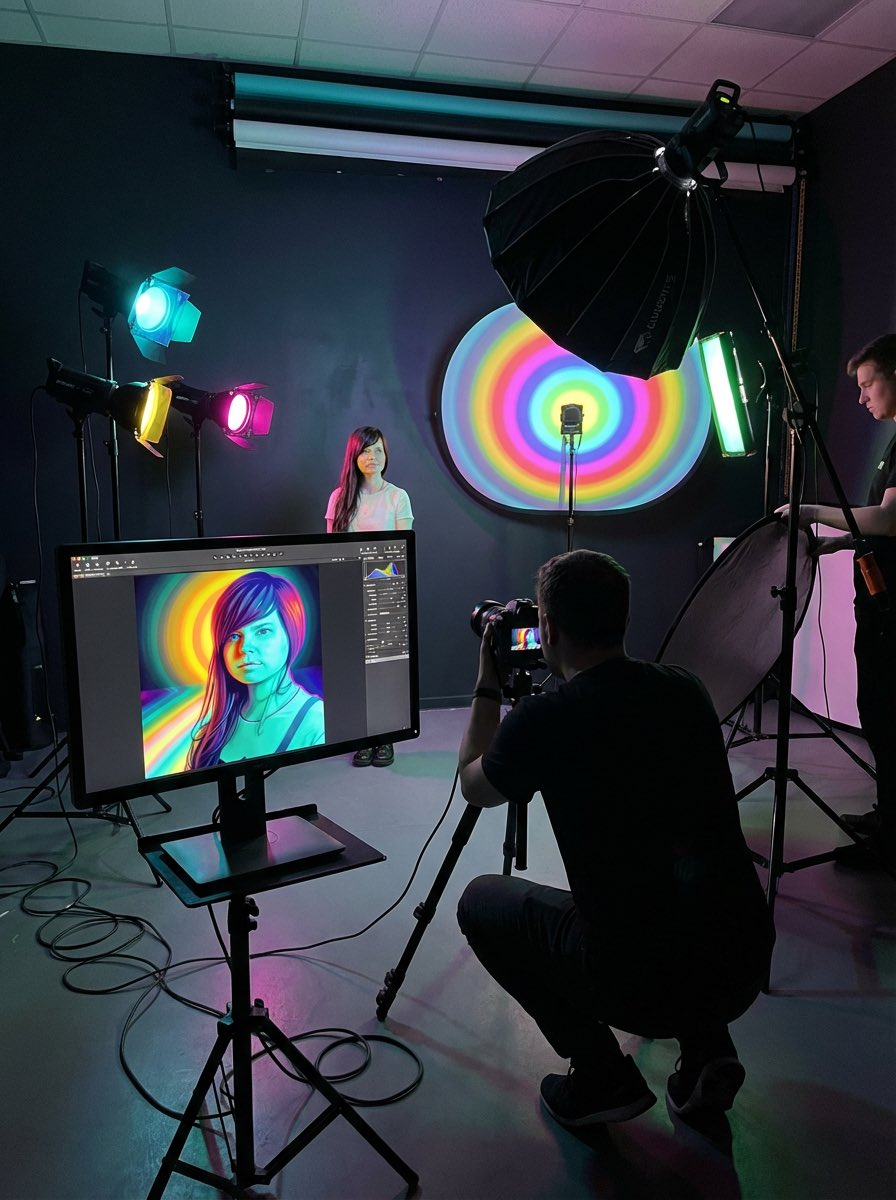
我想看看这张照片拍摄的幕后花絮,了解它是如何诞生的。
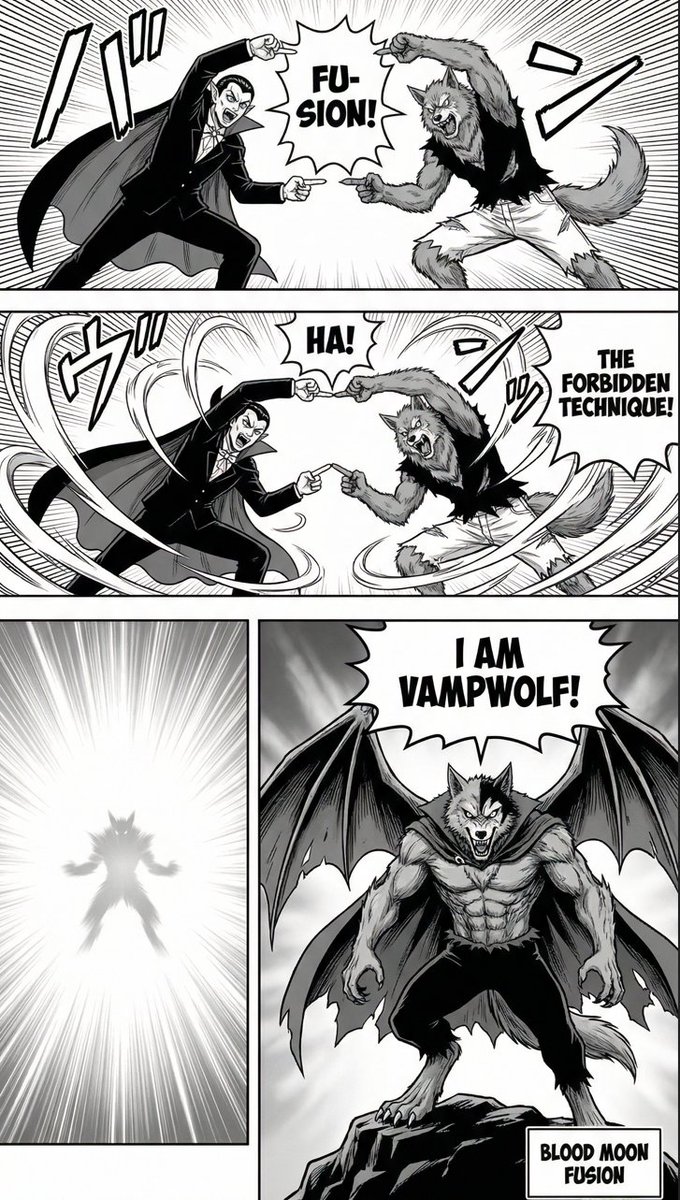
make a manga page with {argument name="character 1" default="[your character]"} and {argument name="character 2" default="[your character]"}, have them do the fusion technique from Dragon Ball Z, and reveal their combined form.
支持我们
如果这个项目对你有帮助,欢迎请开发者喝杯咖啡 ☕️

推荐使用微信扫码

推荐使用支付宝扫码